
Behind the scenes8 min read
Server down alert texts for IT teams and MSPs
Server down alerts by text for IT teams and MSPs: why SMS reaches engineers when email is down, cutting alert fatigue, and ACK replies with escalation.
In short
- In the Cyber Security Breaches Survey 2025/2026, 8% of UK businesses that identified a breach or attack temporarily lost access to files or networks, and 6% had online services taken down or slowed.
- 45% of UK businesses in the Cyber Security Breaches Survey 2025/2026 had none of the listed incident response measures, and 34% had written guidance on who to notify.
- NCSC incident response guidance says contact details should ideally include at least 2 contact methods and 2 or more people, and to always consider the risk of people being unavailable.
- Google's Site Reliability Engineering book says "Every page should be actionable", and warns that when pages come too often, staff skim or ignore them.
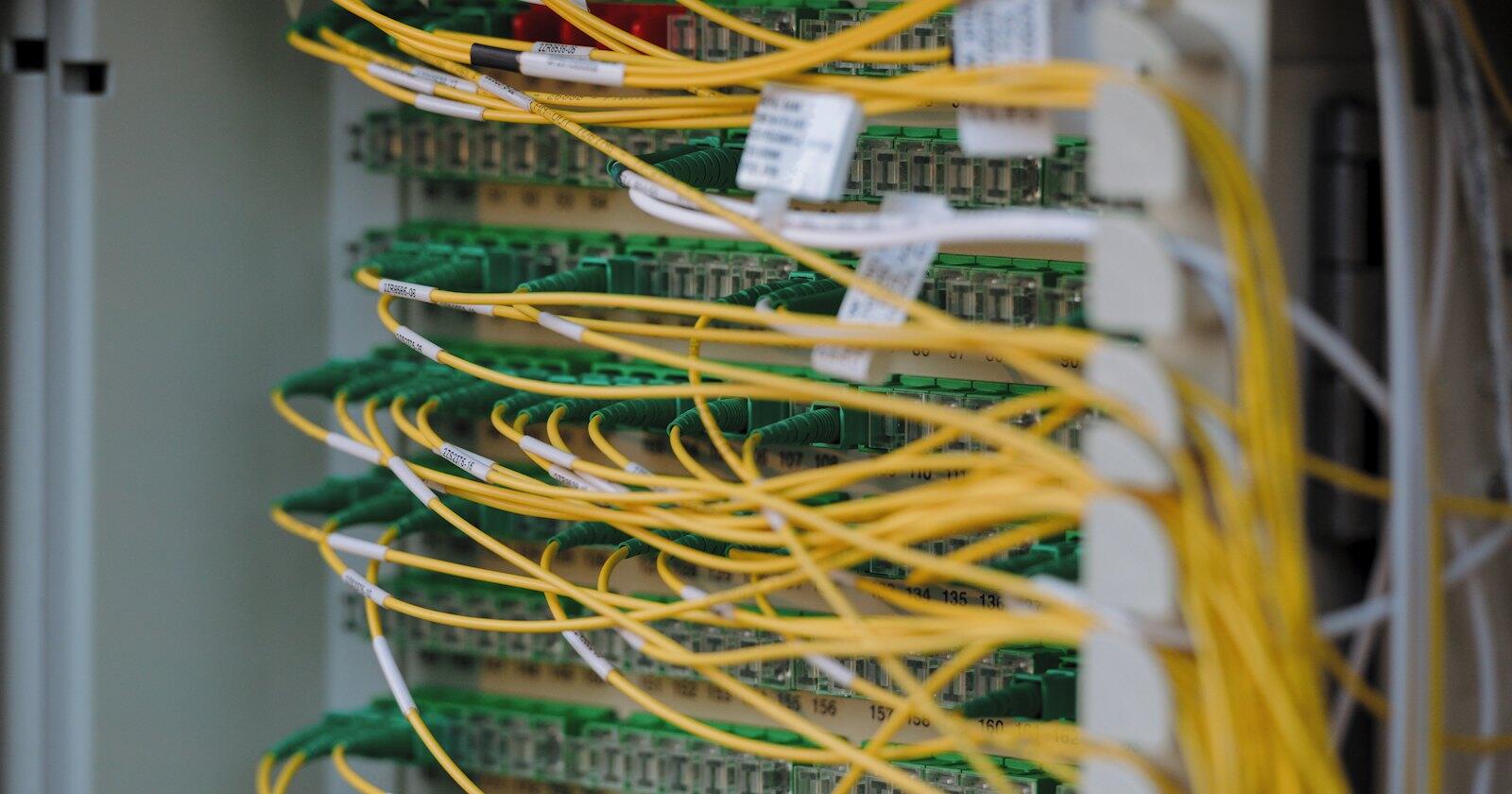
Most monitoring tools send their alerts by email, and that works until the thing that's down is the mail server, the firewall in front of it or the office internet connection. Server down alerts by SMS go another way, over the mobile network to a phone in someone's pocket, which is why IT teams and managed service providers (MSPs) still put texts at the top of their on-call setup. This post covers wiring a monitor to an SMS API, writing alerts people act on, and building escalation on replies, with CaptiFi Connect as the example.
Outages from attacks alone are common. The Cyber Security Breaches Survey 2025/2026, published by DSIT and the Home Office on 30 April 2026, found that 43% of UK businesses identified a breach or attack in the previous 12 months. Among those, 8% temporarily lost access to files or networks and 6% had their web applications or online services taken down or slowed.
- Businesses
- Charities
UK organisations that identified a breach or attack in the last 12 months: 1,026 businesses and 422 charities, weighted. Telephone fieldwork August to December 2025. Seven of the twelve listed outcomes are shown; 19% of businesses had any outcome.
Source: DSIT and Home Office, Cyber Security Breaches Survey 2025/2026, figure 4.9
See the figures as a table
| Businesses (%) | Charities (%) | |
|---|---|---|
| Lost access to files, networks | 8 | 3 |
| Online services down or slowed | 6 | 4 |
| Lost third-party services | 5 | 3 |
| Money stolen | 3 | 2 |
| Accounts misused | 3 | 2 |
| Software or systems damaged | 3 | 1 |
| Ransom paid | 2 | 1 |
Those are only the outages that came from attacks. Disks fill, certificates expire and power supplies fail too, and the alerting has to work for all of them.
Why a text when email is the thing that's down
The NCSC's incident management guidance says to "Consider options for secure or alternative communications in event of a sensitive incident", including where normal channels are unavailable "due to network/email/phone system outage". Its guidance on writing a response plan is specific about people: contact details should "ideally include at least 2 contact methods and 2 or more people (or group) details", and you should "Always consider the risk of people being unavailable".
A text covers the second contact method for very little effort. Two conditions make it work. The monitor has to run somewhere other than the network it watches (a hosted uptime service, or a small server at another site), because a monitor inside a dead network can't tell anyone anything. And the alert should go to more than one person, so a phone left on silent doesn't become the single point of failure.
The survey suggests many firms haven't written this down. Only 34% of businesses had written guidance on who to notify in an incident, and 45% had none of the incident response measures the survey listed. A rota and a texting script won't make an incident plan on their own, but they settle the first question an incident asks, which is who finds out.
Wiring a monitor to the API
Most monitoring systems can call a webhook or run a script when a check changes state. Point that at POST /messages with Authorization: Bearer and an API key, and a JSON body with to (one number or a list, up to 1,000 in a request) and body. The quickstart shows the request in four languages.
Give the monitoring system its own key, so it can be revoked without touching anything else, and add an Idempotency-Key header built from the alert and its state (alert-4411-down, then alert-4411-up). If the monitor retries a webhook that did get through, or two monitoring nodes report the same failure, the same key returns the first answer and no second text goes. Our post on sending a text exactly once explains why the key has to come from the alert and not from the clock.
What an alert text should say
A text has room for about one line of facts. Keep it to 160 characters in the GSM alphabet and it's a single SMS part, one credit; one emoji or curly quote switches it to Unicode, where a part holds 70 characters (our GSM-7 glossary entry has the detail). Put the state first, then the system, then since when, then what to do:
Brightwell IT: DOWN mail01 at Fairfax Dental (SMTP) since 03:12. Reply ACK 4411 to take it.
Brightwell IT: UP mail01 at Fairfax Dental since 03:41, down 29 min. No action needed.
Leave out anything you'd mind seeing on a lock screen: no passwords, no internal IP ranges, no customer data. The text is there to get someone to the dashboard, which has the rest.
Keeping alert fatigue down
Google's Site Reliability Engineering book sets the bar for anything that wakes a person: "Every page should be actionable", "Every page response should require intelligence", and pages "should be about a novel problem or an event that hasn't been seen before". It also describes what happens when that slips: "When pages occur too frequently, employees second-guess, skim, or even ignore incoming alerts". A text that cries wolf at 3am trains the engineer to ignore the next one.
In practice that means a few rules for the texting side.
- Text on a change of state, once. DOWN when a check fails for long enough to matter, UP when it recovers, and nothing in between.
- Wait out flapping. Most monitors can require two or three failed checks before they alert, and that one setting removes a lot of noise.
- Group an alert storm. When a switch dies and forty checks fail together, send one text that names the switch and says how many checks are down.
- Route by severity. A full disk on a test server is a ticket for the morning, not a text at 2am.
The same chapter says "Rules that generate alerts for humans should be simple to understand and represent a clear failure."
Escalation with ACK replies
A text that can't be answered only tells someone. One they can answer can hand the incident over. Send alerts from a number (leave sender out of the request), ask for a reply such as ACK with the incident number, and listen for the message.received webhook. Its payload carries the sender's number in contact_number and the text in body. When the ACK arrives, mark the incident as taken and stop escalating. When it doesn't arrive within, say, ten minutes, text the next person on the rota, then the team lead.
Put the incident number in the requested reply. An engineer with two alerts open who just texts "ACK" has taken one of them, and your code can't tell which; "ACK 4411" settles it. Our post on handling replies with webhooks covers matching replies, answering the webhook and skipping duplicates, and the two-way SMS page shows how the same replies look in the inbox.
Delivery reports help here too. A message.failed event, or a status of undelivered on GET /messages/{id}, means the network couldn't get the alert to that phone, which is a good reason to escalate straight away and skip the ten minute wait.
Things that stop an alert arriving
These are the usual reasons an alert never arrives, and each can be tested on a quiet afternoon.
- An account that isn't approved yet. While a new account is being checked, each live text waits as
pending_reviewfor a person to read it. That's fine for a newsletter and no good for an outage at 3am. Get the account approved before alerts depend on it. - An empty balance. Credits are prepaid, and a send the balance can't cover is refused with a 402 and nothing goes. Check
GET /balancefrom the monitor once a day and raise a ticket when it runs low, so the alerting doesn't fail silently on the day it's needed. - Quiet hours. Campaign quiet hours (21:00 to 09:00 London time by default) hold back sends to a list. Texts sent to numbers in
toaren't held, so send alerts that way, or setignore_quiet_hoursif you send to a list. - The rate limit. Each key can make 20 requests a second, with bursts up to 40, and a 429 carries
Retry-After. A storm of separate alerts can hit that, which is one more reason to group them.
The errors page lists every code a send can return, so the monitor can tell a refused number from an empty balance.
Notes for MSPs
An MSP usually alerts its own engineers about many clients' systems, and sometimes the client's own contact as well. Put the client and the incident in client_ref (up to 64 characters, returned on every delivery event) so delivery reports can be matched in your PSA tool without a phone number in the logs. Keep a separate key for each monitoring platform, not one per engineer.
Texts to a client's office manager saying their email is down and you're on it are service messages about a contract, so marketing consent doesn't come into it. They can come from a registered sender name (your company name, 3 to 11 characters, approved before use), which makes them easy to recognise, but nobody can reply to a name. Keep engineer alerts on a number, where ACK works.
Common questions
Can I get a text when my server goes down?
Yes. Set your monitoring tool to call a webhook or run a script when a check fails, and have it send a text through an SMS API to the on-call phone. Run the monitor outside the network it watches, so it can still send when that network is down.
Why use SMS alerts instead of email for outages?
An outage can take out the email server, the network or the internet link that email alerts depend on. A text travels over the mobile network to the phone, which is why the NCSC advises planning alternative communications for when email or phone systems fail.
How do I stop alert texts waking people for minor problems?
Only text for problems that need someone now, and send one text when the state changes and one when it recovers. Require a few failed checks before alerting, group related failures into one text, and send low-severity alerts to a ticket queue.
How do engineers acknowledge an SMS alert?
Send the alert from a mobile number and ask for a reply such as ACK and the incident number. The SMS API posts each reply to your system as a webhook, which marks the incident as taken and stops the escalation to the next person.
Sources
Read for this post on 4 November 2026.
- DSIT and Home Office: Cyber Security Breaches Survey 2025/2026, published 30 April 2026
- GOV.UK: Cyber Security Breaches Survey 2025/2026, data tables and technical report
- NCSC: Incident management, cyber incident response processes
- NCSC: Incident response, developing your plan
- Google: Site Reliability Engineering, Monitoring Distributed Systems
- CaptiFi Connect: Errors and error codes
- CaptiFi Connect: API reference
Written by the CaptiFi Connect team. Published 4 November 2026. More in Behind the scenes
Send your first text this week
Set up your account and contacts now. Until we've approved it, a person reads each text before it goes out.