
Writing texts8 min read
Links in texts: how to look legitimate
Half of UK mobile users got a scam text with a link in three months. What Ofcom, the NCSC and GOV.UK say about links, and how to write one people will trust.
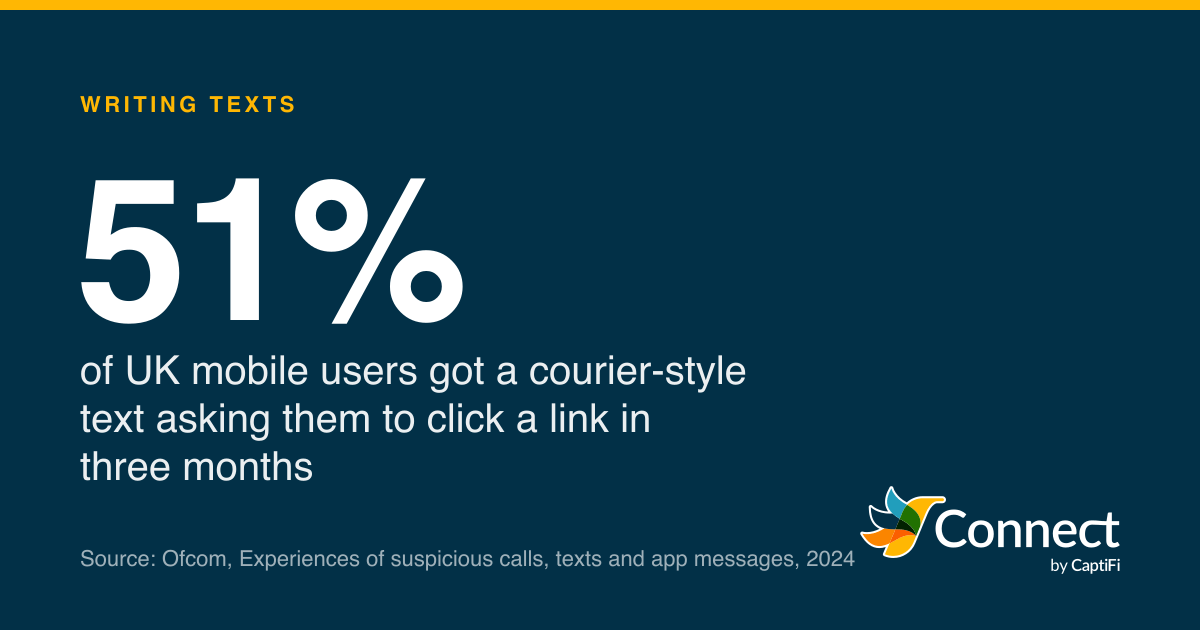
51%: of UK mobile users got a courier-style text asking them to click a link in three months. Source: Ofcom, Experiences of suspicious calls, texts and app messages, 2024.
"Your parcel could not be delivered. Reschedule at ..." and then a link. Ofcom's survey work for 2024 found that 51% of UK mobile users had received a text like that, a courier-style message asking them to click a link, in the three months from November 2023 to January 2024. Over the same period 19% had the app-message version. Nothing else in the suspicious-message league table came close: a text asking people to call a number was next, at 14%.
So that's the company your booking link keeps. When a hair salon texts "change your appointment at salon.co.uk/book", the message lands in the same inbox, in the same grey bubble, as the fake Royal Mail one from the day before. Anyone who texts customers will need a link sometimes, so the question is how to write one that reads as yours. Most of the answer is in the words around the link.
What people check
Ofcom asked mobile and landline users what they weigh up when deciding whether a text is genuine. The top factor, at 73%, was whether they were expecting the message. Spelling, grammar and tone came next (70%), then whether the message asked them to do something (68%). The link itself, "what the URL in the link looks like", was fourth at 54%. Whether a company was named scored 43%, and whether they'd had texts from that name or number before, 42%.
Respondents could pick more than one factor. Fieldwork by Yonder for Ofcom, published 2024.
Source: Ofcom, Experiences of suspicious calls, texts and app messages 2024 (Yonder)
See the figures as a table
| Mobile and landline users (%) | |
|---|---|
| Whether you are expecting it | 73 |
| Spelling, grammar or tone | 70 |
| Whether it asks you to act | 68 |
| What the URL looks like | 54 |
| Whether the company is named | 43 |
| Previous experience | 42 |
| Prior texts from that name | 42 |
Read those from the top and they describe a trustworthy text almost word for word: expected, written properly, asking for something reasonable, with a link that looks like it belongs to the company named in it, from a name that has texted before. Get the first four right and the link has done most of its work before anyone looks at it.
The same survey has the other side of the ledger. Of the mobile users who'd had a suspicious text, 6% said they'd clicked the link but not done what it asked, and 2% had clicked and then done as instructed. Two in a hundred is a small share and a very large number of people once you multiply it across the country, which is why the National Cyber Security Centre's phishing pages showed, as of September 2026, 59.6 million scam reports received and 263,700 scams taken down across 466,300 URLs. The NCSC's Active Cyber Defence report for 2021 described smishing reports growing 270% in the second half of 2020 and then again in the first half of 2021, with "many months" of that year topping a million smishing and FluBot reports combined.
- Text (SMS, iMessage, RCS)
- App message (WhatsApp etc)
Share of UK mobile users (base 2,052) who had received each type in the three months before interview.
Source: Ofcom, Experiences of suspicious calls, texts and app messages 2024 (Yonder)
See the figures as a table
| Text (SMS, iMessage, RCS) (%) | App message (WhatsApp etc) (%) | |
|---|---|---|
| Courier message with a link | 51 | 19 |
| Message asking you to call | 14 | 10 |
Why the NCSC stopped blaming the clicker
There's a 2022 NCSC blog post with a title that says it all: "Telling users to 'avoid clicking bad links' still isn't working". Its author, Dave Chismon, writes that for most people "being able to spot a phish is not their job", that clicking links is a normal part of work and life, and that "it's their organisations that are responsible for protecting them". The closing line: "We know that telling users not to click on bad links just isn't working."
That's written for IT teams defending their own staff, but turn it round and it's advice for anyone sending texts. You cannot rely on your customer studying a URL. Half of them say they look at the link, which means half don't, and the ones who do are reading it on a phone in a queue. The job of looking legitimate sits with the sender, and the NCSC's guidance for organisations, "Phishing attacks: defending your organisation", says so directly. Think, it says, "about how your outgoing communications appear to suppliers and customers. Can your recipients easily distinguish your genuine email from a phishing attack? Is the recipient expecting an email, and will they recognise your email address? Do they have any way of knowing if links are genuine?"
Swap "email" for "text" and that's the checklist. The same guidance suggests telling customers what you'll never do, giving the examples "we will never ask for your password" and "our bank details will not change at any point". A line like that on your website and in your first text gives the reader, in the NCSC's words, "another chance to detect a phish". It also notes something worth knowing about links on phones in particular: most desktop browsers block known phishing sites, but "that is not always the case on mobile devices".
The NCSC's public advice on spotting scams lists the levers a fake text pulls: authority (a bank, a doctor, a government department), urgency ("within 24 hours", threats of fines), emotion, scarcity and current events. A legitimate text should pull none of them. If your reminder needs a deadline, state it plainly as a fact ("the slot is held until Friday") rather than as a threat.
Writing the link itself
Two government pages cover the mechanics, and between them they settle most of the arguments.
GOV.UK Notify, which sends texts for most public services, tells its users to "write the URL in full" and converts it into something tappable. For long addresses it suggests getting a short URL from your own IT people. What it tells you not to do is use a third-party link shortener, and it gives three reasons: "your users cannot see where the link will take them", "your link might stop working if there's a service outage", and "you can no longer control where the redirect goes". It also points out that you "cannot use Markdown to add link text to a text message", which is a way of saying there is no "click here" in SMS. The URL is the link text, so the URL has to make sense on its own.
GOV.UK's writing guidelines add the rest. Make link text descriptive, "frontload it with relevant terms", and "link to a specific page, not the website's homepage". In a text that means the address should name the thing the reader will find: salon.co.uk/book, not salon.co.uk. If the reader can see where they're going, they don't have to take it on trust.
The domain is the part that does the reassuring. When Ofcom put the URL question to people in its 2025 survey, it described the cue as whether the address "includes a recognised website address" and whether it has typos. So the best link you can send is one on the domain your customers already know from your signage, your invoices and your emails. The worst is a random string on a free shortener that any scammer can also use. Everything else sits between those two.
Which brings us to the tracked short link, because that's where this gets awkward for texting services, ours included. A short link exists to record the click (and to save characters: a long booking URL can push a text into a second part, which costs a second credit). The reader cannot see where it goes, exactly as Notify warns. The honest position is that a short link on a named provider's domain is better than one on a public shortener, because the domain tells the reader which company carried the text, but it is still less transparent than your own address. Our link tracking page says what ours are: 35 characters, on captificonnect.co.uk, one per recipient, with the clicks reported back. If you use them, the text around the link has to carry the context the link can't.
There's a rule coming that makes the shortener question sharper. Ofcom's July 2026 statement on mobile messaging scams requires mobile operators and the larger aggregators to take scam reports on URLs and "block messages that contain URLs and telephone numbers that providers believe have been used for scams" (General Condition C9.7). For business texts that applies from 15 July 2027. A domain that scammers also use is a domain that can end up on that list, and your text with it.
A text with a link, done properly
Put all of that together and the shape of the message is fairly fixed. Name first, so the reader knows who it is before they reach the link. The reason next, in plain words, so they can see it matches something they're expecting. The link, on a domain they recognise, pointing at a specific page. Then a way to act without the link at all, because some people won't tap one and shouldn't have to.
Crown Dental: your check-up is on Thu 19 Nov at 10:30. To change it, use crowndental.co.uk/book or reply to this text.
Hill Farm Shop: your Christmas order (ref 4471) is ready. Collect any day 9 to 5. Details at hillfarmshop.co.uk/collect. Reply STOP to opt out.
A few things those two don't do. There's no "click here" and no "urgent". Nothing asks for a password, a card number or a date of birth; the NCSC's spot-a-scam page says an official source "will never ask you to supply personal information" by message, and your customers have read that too. Neither relies on the link as the only route, so a sceptical reader can ring the number they already have, which is what the NCSC tells people to do when they're unsure ("don't use the numbers or address in the message"). And both come from a name the reader has seen before, which is the 42% cue and the cheapest one to earn. Our guide to UK sender IDs covers how to get a name and keep it.
Two more habits help. Keep to one link per text. A reader scanning for the dodgy bit finds it faster in a message with three. And link to the same place every time, so that the address becomes as familiar as the sender name; the first text with a new domain is the one that gets reported.
Whether to include a link at all is a fair question. For a reminder where a reply does the job ("Reply C to confirm"), you don't need one, and the text is shorter and safer without it. For a booking page, a collection form or an order status, the link is the point, and the rules above are how you send it.
CaptiFi Connect only swaps a link for a tracked short one when you tick Track links on the text or campaign, and any sender name is checked before it can be used. The 51% who had a fake courier text between November 2023 and January 2024 are the same people who'll get your booking link.
Sources
Read for this post on 17 October 2026.
- Ofcom: Experiences of suspicious calls, texts and app messages, 2024
- Ofcom: Combatting mobile messaging scams, statement, 15 July 2026
- NCSC: Telling users to 'avoid clicking bad links' still isn't working
- NCSC: Phishing attacks, defending your organisation
- NCSC: How to spot a scam email, text message or call
- NCSC: Phishing scams, how to spot and report them
- NCSC: Active Cyber Defence, the fifth year
- GOV.UK Notify: Links and URLs
- GOV.UK: Writing guidelines, add links
- Ofcom: Experiences of suspicious calls, texts and app messages 2025, data tables
Written by the CaptiFi Connect team. Published 17 October 2026. More in Writing texts
Send your first text this week
Set up your account and contacts now; we check every new account before it can send.