
Writing texts9 min read
Write texts the way GOV.UK writes
GOV.UK's writing rules (short words, 25-word sentences, the point first) applied to a 160-character text, and what GOV.UK Notify found when it rewrote its own.
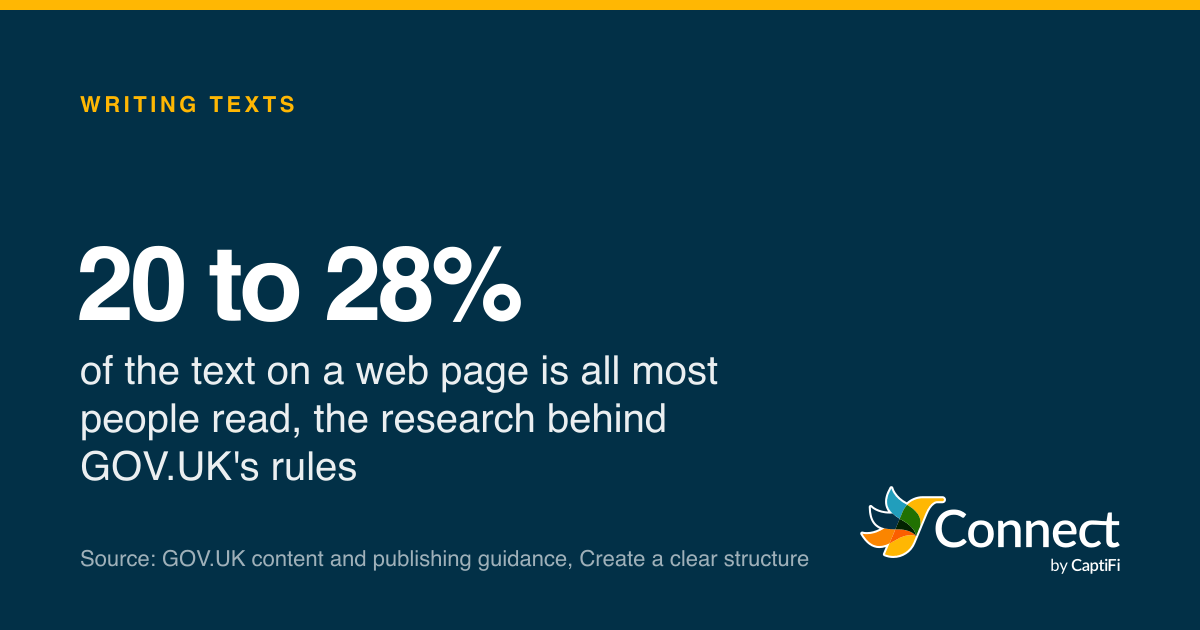
20 to 28%: of the text on a web page is all most people read, the research behind GOV.UK's rules. Source: GOV.UK content and publishing guidance, Create a clear structure.
In 2022 a content designer at the Government Digital Service sat down with a text message template from Leicester's children's centres. It was four texts long. By the time he'd finished it was two, and by GDS's own sums that one template could save the service up to 4,000 text messages a year, with six similar services at Leicester City Council lined up to adopt it for a possible 24,000. The classes, the videos, the midwife and the phone number all survived; what went was the padding.
He used the writing rules every page on GOV.UK has to follow. They're published for anyone to read, and they fit a 160-character text better than they fit a web page. If you write reminders, confirmations or offers for customers, you could do a lot worse than borrow them.
What GOV.UK knows about readers
GOV.UK's structure guidance starts with how little people read. Citing Nielsen Norman Group research, it says users "only read 20 to 28% of text on a webpage", that they "read a webpage in an 'F' shape pattern" (across the top, then down the side), and that they "can skim even more out of impatience". It adds that "users may also be stressed or under pressure and want to find an answer quickly".
Then there's who the readers are. The clear language page cites the Literacy Trust: "1 in 6 adults in England have very poor literacy skills", with 1 in 4 in Scotland, 1 in 8 in Wales and 1 in 5 in Northern Ireland. The page's conclusion is blunt: "Plain English is mandatory for all of GOV.UK." The same page cites research on legal documents in which "80% of people preferred sentences written in clear English", and a 2014 GDS finding that "people with higher levels of literacy prefer plain English".
A text is read under worse conditions than a web page. On a lock screen, between other things, often while walking. Your customer gives it a second, maybe two, and the 20 to 28% figure is probably generous. Every rule that follows is about surviving that second.
The point first
The structure page says it in five words: "Put the most important information first." The reasoning is a line later: "The quicker you get to the point, the greater the chance your users will see the information you want them to." GOV.UK calls this the inverted pyramid, with detail thinning out as the content goes on.
The Service Manual's page on emails and text messages, written for teams building government services, applies that to messages directly. "Get the most important information across in the first sentence." "Say only one important thing in each message. If you have several important things to say, send more than one message." And "say who the message is from", with a note that the service name may matter more to the reader than the department behind it. A text, it adds, needs no greeting at all.
Take a typical reminder, a version of which I've seen many times:
"This is a courtesy reminder from Crown Dental Practice regarding your forthcoming appointment which is scheduled to take place on Thursday 19th November at 10:30am. Please contact the practice at your earliest convenience should you be unable to attend."
That's 253 characters, two message parts, 39 words, and the appointment time arrives at word 25. Written the GOV.UK way:
"Crown Dental: your check-up is on Thu 19 Nov at 10:30. Reply C to confirm."
74 characters, one part, 15 words. Who it's from in the first two words, the one important thing next, then what to do. The Manual's own example from Transport for London's Dial-a-Ride follows the same shape: "Dial-a-Ride: Your vehicle will arrive in approximately [number of minutes] at [time of day] on [date]." Name first, then the fact.
The Manual also says to "make it clear what you need the user to do and include any deadlines", and to "say what will happen if they don't do what you're asking". In a text that last part is one clause. "Reply C to confirm by Tue or we'll offer the slot to someone else."
Short words, short sentences, no "don't"
The clear language page gives the numbers: "Try to split up sentences that are over 25 words long", and "Paragraphs should have no more than 5 sentences each". A text is a paragraph, so that's your ceiling, and most good texts are two or three sentences.
On words: "Do not use formal or long words when easy or short ones will do." The page's own swaps are "buy" for "purchase", "help" for "assist" and "about" for "approximately". It warns that words ending in "-ion" and "-ment" tend to make sentences longer and more complicated, which is a useful test to run on any template. "Confirmation of your reservation" is 32 characters; "Your table is booked" is 20, and says the same thing.
On voice: "The active voice is more direct and puts the focus on the user and the action they need to take." "Your parcel will be delivered tomorrow" tells the reader nothing about what to do; "We'll deliver your parcel tomorrow between 8am and 1pm" at least tells them who's coming.
The contraction rule is the one most people get wrong. GOV.UK's advice is to "use contractions like 'you'll', but avoid negative contractions like 'can't' or 'don't'", because "many users find negative contractions hard to read, or misread them as the opposite of what they say". A text that says "Don't reply to this message" risks being read as "reply to this message" by someone skimming. "Do not reply" costs two more characters and removes the risk. Keep "we'll", "you'll" and "it's"; spell out the negatives.
And on the verbs that carry weight: GOV.UK uses "must" for a legal requirement, "need" for an administrative step and "can" for something optional. Customers read those differences too. "You must bring photo ID" and "You can bring photo ID" are different instructions, and a template that uses "must" for everything trains people to ignore it.
The style guide, applied to 160 characters
GOV.UK's A to Z style guide is a long alphabetical list of decisions, and a surprising number of them save characters.
Dates: "do not use ordinal numbers for the day", so 2 June, never 2nd June. No comma between month and year. "Use 'to' in date ranges and not hyphens, en rules or em dashes." For a deadline, "on or before". Abbreviated months are allowed when space is tight, and a text is the definition of space being tight: "Thu 19 Nov" is fine.
Times: 5:30pm, not 1730hrs. "Midday", not 12 noon or 12pm, and "midnight (not 00:00)". Because midnight is the start of a day, the guide suggests 11:59pm for a deadline that falls at the end of one. "Use 'to' in time ranges, not hyphens, en rules or em dashes: 10am to 11am (not 10-11am)."
Numbers: digits from 2 upwards, the word "one" on its own, a comma above 999 (so 9,000), and "Use a % sign for percentages: 50%." Sentence case everywhere, "even in page titles and service names". No full stops in abbreviations: "BBC, not B.B.C." Explain an acronym the first time unless it's one everybody knows (the guide lists BBC, NHS and UK).
Two smaller ones that matter in a text. The guide says to avoid "eg" because screen readers can read it as "egg", and to use "for example" or "such as". And its plain English list includes "in order to" with the note "usually not needed", which is true in every text I've ever seen it in.
Why length is money
The reason GOV.UK Notify, the government's own sending platform, takes all this so seriously is in its pricing page. "A single, 160-character text message costs 2.4 pence (plus VAT)." And: "If a text message is longer than 160 characters (including spaces), it counts as more than one message." The page's table goes 160, 306, 459, 612, 765, 918 characters for one to six messages. Use one non-standard character, an emoji say, and the scale drops to 70 characters for one message, 134 for two, 201 for three.
- Standard characters
- Non-standard characters
Standard characters are the GSM alphabet, including accented letters such as é and ü. One non-standard character (an emoji, a curly quote) puts the whole text on the shorter scale. The symbols [ ] { } ^ | ~ and the euro sign count as two characters each, and so does a backslash.
Source: GOV.UK Notify, Text message pricing
See the figures as a table
| Standard characters | Non-standard characters | |
|---|---|---|
| 1 message | 160 | 70 |
| 2 messages | 306 | 134 |
| 3 messages | 459 | 201 |
| 4 messages | 612 | 268 |
Notify's content designer spelled out the arithmetic in the 2022 post: cutting a single character from a 460-character message reduces its cost by a quarter, because 460 is four messages and 459 is three. The 2020 post that started the work put the hypothesis simply: "better means shorter, easier to understand and more engaging", and "a shorter text message takes less time to read and costs less to send". The same post said the public sector had sent 1.5 billion emails, texts and letters through Notify in four years, so a few characters on a template compound quickly.
The Leicester example shows what the trimming looks like. The original opened: "Due to the situation regarding COVID-19, the Children, Young People and Family Centres are not able to offer their Bumps to Babies antenatal courses at the moment." The rewrite opened: "Bumps to Babies antenatal classes are not running at the moment, so we've made them available as a series of videos." The second sentence has the name of the thing in the first three words, says what's happened and what's replaced it, and never mentions the organisation's full title, which the reader didn't need.
Our SMS character limit guide has the full rules, and the character counter shows the part count as you type.
Links, replies and timing
The Service Manual says to "spell out any web addresses (URLs) in full to show the user where links are going" and to "avoid including redirects in any links, for example, tracking". Notify's own page on links gives three reasons to avoid third-party shorteners: users can't see where the link goes, the link can fail during the shortener's outage, and you lose control over where the redirect leads. For a small business the lesson is to use your own domain and keep the path short enough to read.
On replies, the 2020 Notify research found that "a third of teams that let recipients send them text messages never get any replies". The post was careful not to say whether that was good or bad. For a business it mostly means one thing: if you want a reply, ask for one, in two words, at the end. "Reply C to confirm."
On timing, the Manual's advice is to "avoid sending text messages late at night" and to send non-urgent messages in business hours, when they're "more likely to be read". On marketing: "Never send subscription messages unless the user has explicitly asked for them", and "always give users a way to unsubscribe". For UK businesses that's also the law, but the wording rule is the same either way: "Reply STOP to opt out" at the end.
A template checklist
Before a template goes live, read it against this list. Each line is a GOV.UK rule.
- Your name in the first two words, and the one important thing in the first sentence.
- One message, one thing. Two things means two messages.
- Under 160 standard characters, and no emoji unless you've decided the 70-character scale is worth it.
- Sentences under 25 words. Swap "purchase", "assist" and "approximately" for "buy", "help" and "about".
- Write out "do not" and "cannot". Keep "we'll" and "you'll".
- Dates as Thu 19 Nov, times as 10:30 or 5:30pm, ranges with "to".
- No "eg", no "in order to", no capital letters for emphasis.
- A full web address on your own domain, if there's a link at all.
- The action at the end, in two or three words: "Reply C to confirm."
- "Reply STOP to opt out" on anything promotional.
CaptiFi Connect's template library is written to that list, the character counter in the send screen shows parts as you type, and campaigns don't go out between 21:00 and 09:00 unless you tell them to. Leicester's 24,000 texts a year came from reading one template with a red pen. Most businesses have three or four.
Sources
Read for this post on 17 October 2026.
- GOV.UK content and publishing guidance: Use clear language
- GOV.UK content and publishing guidance: Create a clear structure for your content
- GOV.UK content and publishing guidance: A to Z style guide
- GOV.UK Service Manual: Sending emails and text messages
- GDS blog: How rewriting text messages can help services to save money, 20 July 2022
- GDS blog: Can GOV.UK Notify help the public sector write better emails, text messages and letters?, 18 August 2020
- GOV.UK Notify: Text message pricing
- GOV.UK Notify: Links and URLs
Written by the CaptiFi Connect team. Published 17 October 2026. More in Writing texts
Send your first text this week
Set up your account and contacts now; we check every new account before it can send.