
Behind the scenes8 min read
Two-step sign-in with an authenticator app: how it works
47% of UK businesses required two-factor authentication in 2025/26, DSIT found. How authenticator app codes work, why NCSC ranks them above texts, and recovery.
In short
- DSIT's Cyber Security Breaches Survey 2025/2026 found 47% of UK businesses and 38% of charities had any requirement for two-factor authentication, up from 40% of businesses a year before.
- Authenticator app codes follow RFC 6238, published in May 2011, which builds time-based codes on the HOTP algorithm of RFC 4226 and recommends a 30-second time step.
- NCSC's guidance for organisations ranks app-based code generators third of five recommended types of multi-factor authentication, above hardware code generators and message-based methods such as SMS.
- Cyber Essentials requirements version 3.3, dated April 2026, say authentication to cloud services must always use multi-factor authentication.
- NCSC's advice on 2-step verification says each backup code works only once and should be stored somewhere safe, so a lost phone does not have to mean a locked account.
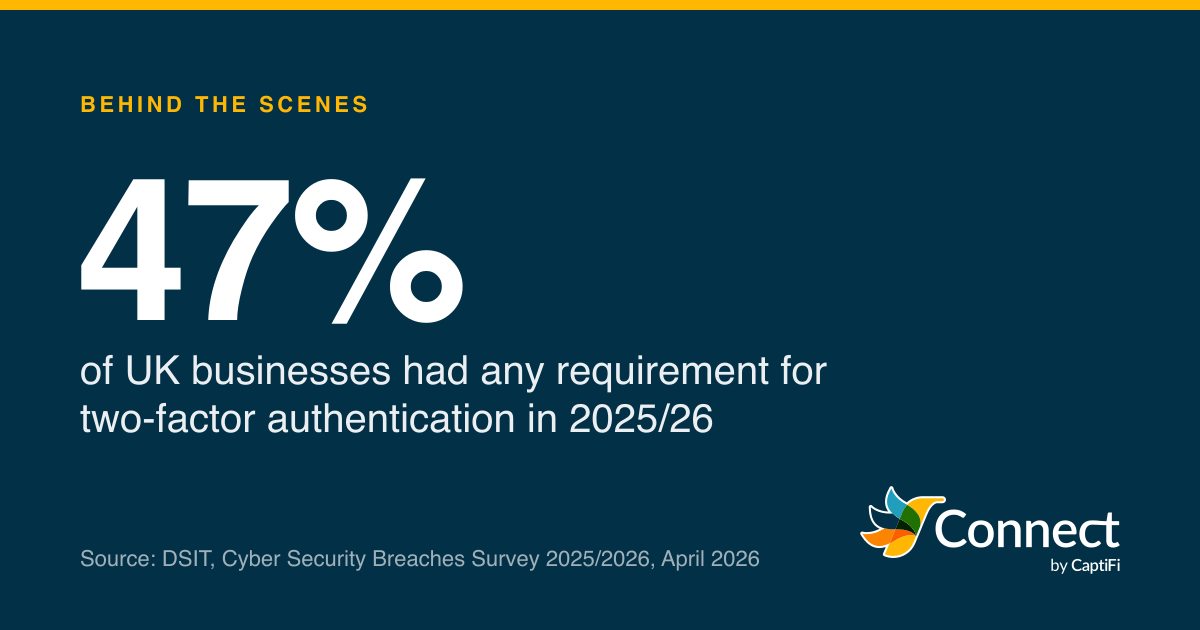
47%: of UK businesses had any requirement for two-factor authentication in 2025/26. Source: DSIT, Cyber Security Breaches Survey 2025/2026, April 2026.
Just under half of UK businesses ask their people for a second step when they sign in. The Department for Science, Innovation and Technology's Cyber Security Breaches Survey 2025/2026, published on 30 April 2026, found 47% of businesses and 38% of charities had any requirement for two-factor authentication on their network or the applications they use. That was up from 40% of businesses the year before, mostly thanks to micro businesses (43%, from 35%). Among medium businesses it was 79%, and among large ones 90%. The rest have no such requirement at all, so a stolen password is all it takes to get in.
The cheapest second step is an authenticator app on a phone. This post covers how those six-digit codes are made, why the National Cyber Security Centre puts them above codes sent by text, what to do about lost phones, and how to switch it on for a team without a week of helpdesk tickets. (If you send codes to your own customers by text, our posts on one-time codes by text and SIM swap fraud cover that side.)
- 2024/25
- 2025/26
Two-factor authentication for networks or applications. 2025/26 fieldwork August to December 2025 (2,112 businesses, 1,085 charities). 2024/25 figures for large businesses and charities from the 2025 report.
Source: DSIT, Cyber Security Breaches Survey 2025/2026
See the figures as a table
| 2024/25 (%) | 2025/26 (%) | |
|---|---|---|
| All businesses | 40 | 47 |
| Micro businesses | 35 | 43 |
| Large businesses | 92 | 90 |
| Charities | 35 | 38 |
What is two-step sign-in?
The survey's own definition is as good as any: an authentication method in which a user gets access "only after successfully presenting two or more pieces of evidence to an authentication mechanism (e.g. a password and a one-time passcode)". The NCSC calls the version for individuals 2-step verification, or 2SV. Businesses tend to say MFA, for multi-factor authentication. It's the same idea under three names: something you know, plus proof that you have a particular thing with you.
Cyber Essentials, the government-backed baseline scheme, lists four kinds of second factor in version 3.3 of its requirements, dated April 2026: a managed or enterprise device, "an app on a trusted device", a physically separate token, and a known or trusted account. An authenticator app is the second of those.
How does an authenticator app make a code?
Two IETF documents describe the whole thing.
The first is RFC 4226, published in December 2005, which defines HOTP, an HMAC-based one-time password. The service and the device share a secret. Each code comes from feeding that secret and a counter through HMAC-SHA-1, a keyed hash, then trimming the result down to a short number; the RFC's worked example uses six digits. The secret "MUST be at least 128 bits", and the RFC recommends 160. Each time the counter moves on, a new code appears, and nobody without the secret can work out what it will be.
The second is RFC 6238, published in May 2011, which defines TOTP, the time-based version. It swaps the counter for the clock: the counter becomes the number of time steps since the start of 1970, and the RFC sets the default step at 30 seconds, "selected as a balance between security and usability". So your phone and the service, holding the same secret and agreeing on the time, work out the same six digits every half minute, independently. Nothing is sent to the phone when you sign in. That's why the codes keep working on a plane or in a basement.
Take 10:15 on Thursday 22 October 2026, which is 09:15 UTC, or 1,792,660,500 seconds since the start of 1970. Divide by 30 and you get step 59,755,350. Your phone and the service each run that step number and the shared secret through HMAC-SHA-1, trim the result to six digits, and arrive at the same code without talking to each other. At 10:15:30 the step becomes 59,755,351 and a different code appears. RFC 4226's security appendix makes the case that guessing is the best attack there is on the algorithm itself, even for someone who has watched earlier codes go past, as long as they haven't watched an enormous number of them.
Setting one up is a single exchange. The service shows a QR code that holds the secret, the app reads it and stores it, and you type the code the app shows so the service knows the app has it. From then on the secret never travels again.
The RFCs also say how the checking side should behave, and these are worth knowing if you're choosing a service:
- Allow for a little clock drift and no more. "We RECOMMEND that at most one time step is allowed as the network delay," says RFC 6238, because a wider window gives an attacker longer.
- Accept each code once. "The verifier MUST NOT accept the second attempt of the OTP after the successful validation has been issued for the first OTP." A code seen over someone's shoulder shouldn't work a second time.
- Slow down guessers. A six-digit code is one chance in a million per try, which is why RFC 4226 says "the authentication server needs to detect and stop brute force attacks", by limiting attempts or making each failed one wait longer.
Why does NCSC prefer an app to a texted code?
The NCSC's guidance for organisations lists five recommended types of multi-factor authentication in order. FIDO2 credentials (passkeys and security keys) come first, then challenge-based authenticator apps, then app-based code generators, which is what this post is about. Hardware code generators are fourth. "Message-based methods (email, SMS and call-based)" come last, with a one-line verdict: they're "only likely to be appropriate when no other strengthening method is possible". The page was last reviewed on 26 September 2024.
The advice to individuals is gentler and makes the practical case. Authenticator apps "are the main alternative to text messages", and they "offer lots of advantages over text messages, such as not needing a mobile signal". The code is made on the handset, so it doesn't depend on the phone number at all. Moving someone's number to a new SIM, the trick behind SIM swap fraud, does nothing to an app.
The NCSC also sets out the limits. App codes "are known to be vulnerable to the OTP interception phishing attack", because a person can still be fooled into typing a current code into a fake sign-in page. That's the reason FIDO2 sits above them. Texts still have a place too: Cyber Essentials v3.3 says "SMS is not the most secure type of MFA but still offers a huge advantage over not using any MFA at all", while recommending something else where it works. For most people with a smartphone, an app is the step up they can take today.
What happens when someone loses their phone?
The answer to a lost phone is decided before it goes missing. The NCSC's 2SV guidance, published in 2018 and reviewed in January 2022, describes backup codes: "Some accounts also give you a list of backup codes when you switch on 2SV." Then the rules for them: "Each code will only work once, so you'll need to create more when you've used them all", and "you will need to store the codes somewhere safe". The same page suggests a backup plan in general, noting that many services let you set up more than one option.
In practice that means three habits:
- Save the recovery codes the moment they appear, in a password manager or on paper somewhere locked.
- Use one when the phone is gone, sign in, then switch the second step off and on again with the new phone. That issues a fresh secret.
- Keep at least two people able to manage the team's logins, so someone can sort out a colleague who has lost both phone and codes.
Can staff use their own phones?
Yes, and Cyber Essentials has a rule for it. Version 3.3 brings personal devices into scope when they access organisational data or services, which is the "bring your own device" rule. It then carves out phones used only for "native voice applications", "native text applications" and "multi-factor authentication (MFA) applications". So a personal phone that holds nothing of the business's except the authenticator app doesn't drag the phone itself into your Cyber Essentials scope.
For the colleague without a smartphone, the NCSC's list has an answer too: hardware code generators, small tokens that show a code, sit one place below the apps. They cost money and can be lost like anything else, but they don't depend on anyone's personal phone at all.
How do you switch it on for a whole team?
Cyber Essentials gives the minimum. Version 3.3 says to "implement MFA, where available" and that "authentication to cloud services must always use MFA", and that you should always use it to give administrative accounts extra security, along with any account reachable from the internet. Cloud email, accounting and texting services all count.
Start with the people who can spend money or change settings, then everyone else. Give every person their own login, because a shared login can only be tied to one phone. Any app that follows RFC 6238 will do, and the NCSC's point that "you can use the same app when setting up 2SV on any accounts that have this as an option" saves people collecting apps. When someone leaves, removing their login is what matters; their phone stops being relevant at once.
Most of the first-week problems are the same handful:
| What happens | Usual cause | What to do |
|---|---|---|
| Every code is rejected | The phone's clock is wrong | Set the phone's date and time to automatic |
| A correct code is refused | It was the code just used | Wait for the next one to appear |
| New phone, old one wiped | The secret lived on the old phone | Use a recovery code, then set up again |
| Codes run out | Every recovery code is spent | Generate a new set while still signed in |
In CaptiFi Connect, anyone on the team can turn on two-step sign-in under Settings with any authenticator app that follows the standard: scan the QR code, type the six-digit code to confirm, and save the eight single-use recovery codes, which are shown once and stored only as hashes. Codes use 30-second steps, a code can't be used twice, and repeated wrong guesses are slowed down. Owners and admins can see in the Team list whose login has it switched on (the team logins page explains the roles), and our own staff can't open staff pages without it.
On DSIT's figures large businesses are at 90% and micro businesses at 43%. In a small firm, start with the owner's login, and save the recovery codes before the setup screen closes.
Sources
Read for this post on 22 October 2026.
- DSIT: Cyber Security Breaches Survey 2025/2026, 30 April 2026
- DSIT: Cyber Security Breaches Survey 2025
- IETF: RFC 6238, TOTP, Time-Based One-Time Password Algorithm
- IETF: RFC 4226, HOTP, an HMAC-Based One-Time Password Algorithm
- NCSC: Recommended types of multi-factor authentication
- NCSC: Setting up 2-step verification (2SV)
- NCSC: Cyber Essentials, requirements for IT infrastructure v3.3
Written by the CaptiFi Connect team. Published 22 October 2026. More in Behind the scenes
Send your first text this week
Set up your account and contacts now. Until we've approved it, a person reads each text before it goes out.