
Behind the scenes9 min read
What is SMPP? The protocol behind business texts
SMPP is the protocol systems use to hand texts to a mobile network: binds, submit_sm, delivery receipts, windows and throttling, and where HTTP APIs fit.
In short
- SMPP version 3.4, published by the SMPP Developers Forum on 12 October 1999, defines how a system outside a mobile network submits texts to an SMSC and receives replies and receipts.
- SMPP version 5.0, issued by the SMS Forum on 19 February 2003, skipped the number 4 to avoid confusion with a proprietary Logica SMPP 4.0 written for Japan.
- The SMPP 3.4 specification leaves the limit on unacknowledged requests to each SMSC, but recommends no more than 10 outstanding at any time.
- SMPP 5.0 added a congestion_state value from 0 to 100 that a message centre can return in any response, and names 80 to 90 as the optimum load.
- SMPP defines no encryption of its own: the 5.0 specification recommends a leased line, TLS or a VPN, and a 3.4 bind password is at most eight characters.
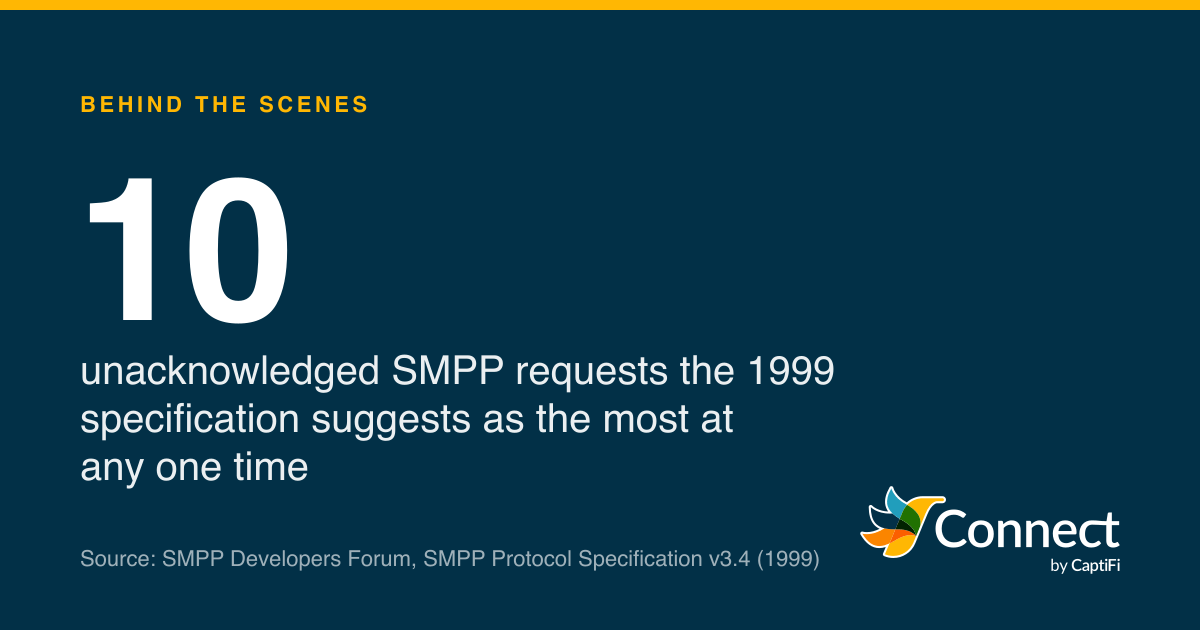
10: unacknowledged SMPP requests the 1999 specification suggests as the most at any one time. Source: SMPP Developers Forum, SMPP Protocol Specification v3.4 (1999).
SMPP, short for Short Message Peer to Peer, is the protocol a computer system outside a mobile network uses to hand texts to an operator's message centre, and to collect replies and delivery receipts from it. Two versions matter. Version 3.4 was published by the SMPP Developers Forum on 12 October 1999, and its successor, version 5.0, came from the same organisation, by then renamed the SMS Forum, on 19 February 2003. Neither is a 3GPP or IETF standard. They're industry specifications that anyone can read, and copies of both are still online at smpp.org.
You can send business texts for years without touching SMPP. It's still worth knowing, because it explains things that look odd from the HTTP side: why "accepted" and "delivered" arrive at different moments, why receipts can come back in a different order from the sends, and why SMS APIs come with rate limits.
Where did SMPP come from?
The 5.0 specification opens with a short history. Versions 1.0 to 3.3 were written and owned by Aldiscon Ltd (later part of Logica) between 1991 and 1997. Logica also produced a version 4.0 in 1997, "designed and customized for the PDC market in Japan", which stayed proprietary. Version 3.4 followed in 1999, and with it "Protocol ownership transferred in full to the SMS Forum (formerly SMPP Developers Forum)". The jump from 3.4 straight to 5.0 was deliberate: the number change "is intended to avoid confusion with the proprietary Logica SMPP V4.0 specification". So there's no open SMPP 4 to implement. The only 4.0 was Logica's own, built for Japan.
The vocabulary comes from 3.4. The system doing the sending is an ESME, an External Short Message Entity, the spec's name for anything outside the mobile network that submits messages to, or receives them from, an SMSC (the Short Message Service Centre, the operator's store and forward system). Version 5.0 widens SMSC to Message Centre, or MC, and adds a Routing Entity that "appears as a MC" to an ESME and as an ESME to a message centre, so a carrier can hide its network of message centres behind it. That's close to what an SMS aggregator does in practice. As far as the operator is concerned, an SMS provider is an ESME, and the provider's own customers never see SMPP at all.
How does an SMPP session start?
SMPP runs over a long-lived network connection: TCP/IP, or in 1999 also X.25. The ESME opens the connection, then sends a bind request to open a session. Version 3.4 has three kinds. bind_transmitter is for sending, bind_receiver for receiving, and bind_transceiver does both over one connection; without it, the spec says, an ESME "wishing to submit and receive messages is required to establish two network connections". There's also outbind, where the SMSC connects first and invites the ESME to bind as a receiver because it has messages waiting.
The bind carries a system_id of up to 16 octets and a password of up to 9. Both are C-Octet Strings, which end in a null byte, and the spec spells out that the size includes it: "an 8-character C-Octet String is encoded in 9 octets". An eight-character password, then. A footnote to the bind table goes further and lets an ESME "set the password to NULL to gain insecure access (if allowed by SMSC administration)".
Once bound, the session sits in one of the states the spec names (BOUND_TX, BOUND_RX or BOUND_TRX) until an unbind takes it to CLOSED. To keep it alive, either side can send enquire_link, described as "a confidence-check of the communication path", and the other side answers. The spec recommends four timers, covering the wait for a bind, the gap before an enquire_link, inactivity and the wait for a response, and then says their values are "outside the scope" of the document. Each operator sets its own.
Every SMPP message, a PDU in the spec's language, begins with the same 16-octet header: command_length, command_id, command_status and sequence_number, four octets each. A response reuses the request's command_id "but with bit 31 set" and echoes its sequence number, which is how a sender matches answers to requests when several are in flight.
What does a text look like in SMPP?
A business text leaves an ESME as a submit_sm. Most of its fields map onto things you'll recognise from any SMS API.
| submit_sm field | What it carries |
|---|---|
| source_addr and source_addr_ton | Who the text is from; a type of number of 5 means an alphanumeric sender name |
| destination_addr | The mobile number |
| registered_delivery | Whether to send back a delivery receipt, and for which outcomes |
| data_coding | The character set; 0 is the "SMSC Default Alphabet" and 8 is UCS2 |
| validity_period | How long the SMSC may keep trying |
| esm_class | The message mode and type, plus a flag for a user data header |
| short_message | The text itself, up to 254 octets |
Two of those need more than a line. The short_message field holds 254 octets, but 3GPP TS 23.040, the standard for SMS itself, says a text crossing the network carries "up to 140 octets", which is 160 characters in the GSM 7-bit alphabet. Anything longer goes out as several parts, and SMPP offers two ways to mark them: a user data header inside the message, flagged by a bit in esm_class, or a set of sar_ optional parameters. The 3.4 spec says the two "cannot be used in conjunction", so a sender picks one. Once the header takes its share, TS 23.040 puts each part at 153 characters. For a text over 254 octets, the sender leaves short_message empty and uses message_payload instead, whose maximum size the spec calls "SMSC and network implementation specific". Our guide to the character limit has the counting.
data_coding is the other one. The 3.4 table names value 0 the "SMSC Default Alphabet" and stops there, so which characters it covers depends on the SMSC at the other end of the bind.
The SMSC answers a submit_sm with a submit_sm_resp. It carries a message_id, "a unique handle assigned to that particular message", and a status saying whether the text was "accepted by the SMSC for onward delivery". That's acceptance and nothing more. Section 2.10.1 says so plainly: "To determine the eventual outcome of the SMS delivery, the ESME must request an SMSC Delivery Receipt".
How do receipts and replies come back?
Receipts don't come back on the response. They arrive later as a deliver_sm, the same operation the SMSC uses to pass on a text someone has sent to one of your numbers, on a session bound as a receiver or transceiver. The esm_class field tells the two apart: in a deliver_sm, the bit pattern xx0001xx means "Short Message contains SMSC Delivery Receipt". The receipt quotes the message_id from the original response, so the sender has to keep that id next to its own record to make sense of what comes back, possibly hours later. The receipt's text format, and what DELIVRD does and doesn't prove, is the subject of our post on what "delivered" means.
All this is store and forward, which the spec calls "the conventional approach to SMS": the SMSC keeps the message "until it is successfully delivered or until the message validity period expires". Version 3.4 also describes a datagram mode, built for "high message throughput without the associated secure storage and retry guarantees", in which the sender gets no delivery acknowledgement at all, and a transaction mode that reports the outcome inside the response. A business text that needs a receipt goes store and forward.
Windowing, throttling and congestion
SMPP is asynchronous. A sender doesn't have to wait for one response before sending the next request. The 3.4 document's own diagram has submit_sm numbers 3, 4 and 6 going out before response 3 comes back, and the text says responses "should" arrive in order but the ESME "should be capable of handling responses received out of sequence". The sequence number, which can run from 1 to 0x7FFFFFFF, is what pairs each response with its request.
How many requests can be in flight at once? The 3.4 specification won't fix a number. It says the limit "will be governed by the SMPP implementation on the SMSC", then offers a guideline: "no more than 10 (ten) SMPP messages are outstanding at any time". That's the window.
Version 5.0 is blunter about what a window can't do. "It is a common misconception that windowing provides full flow control," it says; a full window stops the sender until responses arrive, "but this is not flow control." So 5.0 added an optional congestion_state parameter that either side can put in any response, a number from 0 for idle to 100 for congested, and asks senders to keep their peer between 80 and 90.
The upper value of each band as table 4-79 gives it. The specification gives Optimum as 80 to 90 and Nearing Congestion as 90 to 99, so 90 appears in both.
Source: SMS Forum, SMPP Protocol Specification v5.0, table 4-79
See the figures as a table
| Top of band | |
|---|---|
| Idle | 0 |
| Low load | 29 |
| Medium load | 49 |
| High load | 79 |
| Optimum load | 90 |
| Nearing congestion | 99 |
| Congested | 100 |
The worked example in 5.0 has an ESME start at 50 requests a second, speed up while congestion_state shows spare capacity, hold at 120 a second in the optimum band and ease back to 100 when the value reaches 94. When a message centre would rather refuse than report, the error codes are ready: ESME_RTHROTTLED (0x00000058), a "Throttling error (ESME has exceeded allowed message limits)", and ESME_RMSGQFUL (0x00000014), "Message Queue Full". A well-behaved sender backs off on either. Where a provider's link to the network is SMPP, whatever its HTTP API accepts still has to pass through a window like this, which is one reason HTTP SMS APIs publish rate limits too. Our post on how fast you can send 10,000 texts follows that through for a send to a list of 10,000.
Why businesses send over HTTP instead
Put the pieces together and running SMPP yourself means a permanent connection to each operator or aggregator, with binds, enquire_link timers and reconnection logic. You manage a window and honour throttling errors. You get character sets and part headers right, and you match receipts that arrive later, on a different operation, by message_id. Before any of that you need credentials from whoever runs the SMSC, which means a commercial agreement before the first bind.
Security is also yours to arrange. The 5.0 specification says "SMPP itself, does not define any native encryption mechanisms" and recommends a leased line, TLS or a VPN, while the password in a 3.4 bind is at most eight characters. None of it is hard for a provider that does nothing else. For a booking system that wants to send a reminder, it's a lot of plumbing.
An HTTP API turns all of it into one request per send and one webhook per status change. The provider holds the SMPP sessions, the windows and the operator agreements, and gives you JSON over HTTPS with a key in a header. Retries become an idempotency key, receipts become a webhook, and the throttle becomes a documented rate limit with a Retry-After header.
CaptiFi Connect's SMS API sits on that side of the line. You post JSON to /messages with a bearer key, get a message id back straight away, and receive message.sent, message.delivered and message.failed as signed webhooks as each step happens. Behind it, texts go out from a UK mobile number or through a licensed aggregator route, as our guide on how business texts reach UK phones explains. A single text can run to 10 SMS parts, and each part costs one credit.
Sources
Read for this post on 22 October 2026.
Written by the CaptiFi Connect team. Published 22 October 2026. More in Behind the scenes
Send your first text this week
Set up your account and contacts now. Until we've approved it, a person reads each text before it goes out.