
Behind the scenes8 min read
Cleaning a contact list before you text it
Excel strips the 0 from 07 numbers and shows 12-digit ones in scientific notation. How to fix that, then duplicates, encodings, landlines and stale numbers.
In short
- Microsoft's support pages say Excel removes leading zeros from numbers, keeps only 15 significant digits and shows numbers of 12 or more digits in scientific notation in the General format.
- RFC 4180, the IETF memo on CSV files from October 2005, says there is no formal specification for the format and that spaces are part of a field and should not be ignored.
- The Unicode Consortium says a byte order mark at the start of a UTF-8 file is only an encoding signature, and that some programs reading UTF-8 do not expect one.
- Ofcom says a mobile provider can suspend and recycle a pay-as-you-go number that isn't used to call, text or use data, after as little as 70 days with some providers.
- Article 5(1)(d) of the UK GDPR requires personal data to be accurate and, where necessary, kept up to date, with every reasonable step taken to correct or erase inaccurate data.
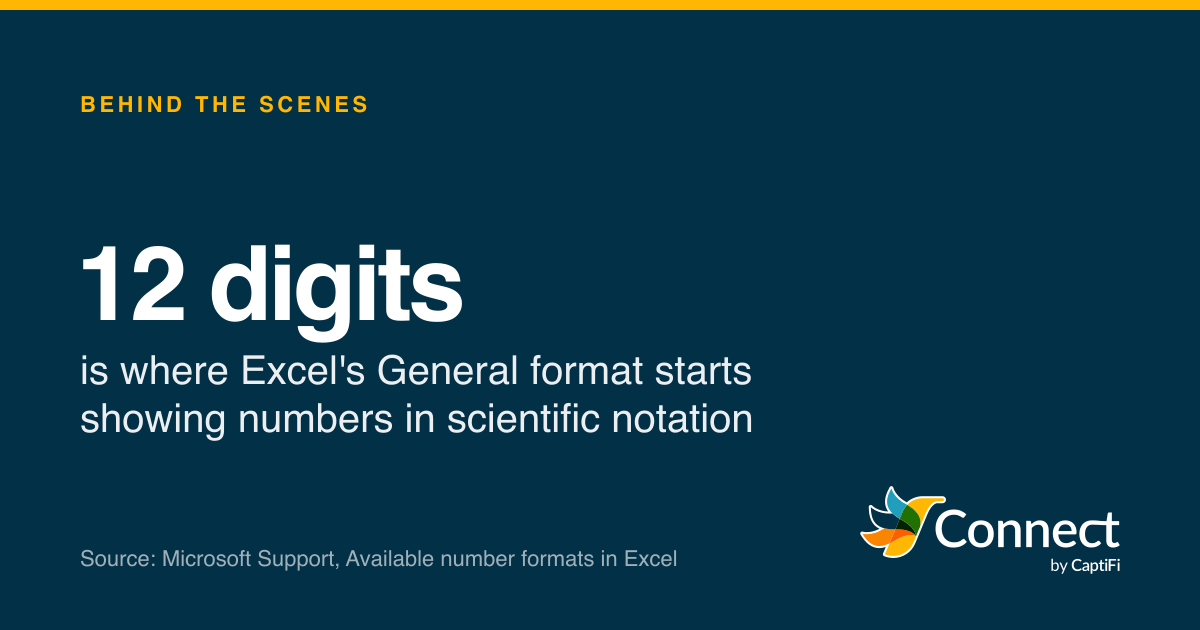
12 digits: is where Excel's General format starts showing numbers in scientific notation. Source: Microsoft Support, Available number formats in Excel.
Open a list of UK mobile numbers in Excel and two things happen before you've touched it. Numbers like 07700 900123 lose their leading 0, and numbers written as 447700900123 turn into something like 4.47701E+11. Microsoft's own support page says so: Excel "automatically removes leading zeros, and converts large numbers to scientific notation, like 1.23E+15, in order to allow formulas and math operations to work on them". Its page on number formats adds that the default General format "uses scientific (exponential) notation for large numbers (12 or more digits)". A UK mobile is 11 digits with its 0, and 12 with a 44 in front.
Fix those first, because every other check depends on reading the numbers correctly. Then there are the problems Excel didn't cause: columns that have slipped, a stray character at the top of the file, the same person three times, landlines in the mobile column and numbers that stopped being your customer's a year ago.
What does Excel do to phone numbers?
Excel sees digits and assumes a quantity. Microsoft lists the automatic conversions as removing leading zeros, "Truncating numerical data to 15 digits of precision and converting to a number displayed in scientific notation", converting digits around the letter E to scientific notation, and turning some strings of letters and numbers into dates. In Excel for Microsoft 365 and Excel 2024 you can switch those conversions off, under a setting Microsoft calls Automatic Data Conversions.
Excel's General format uses scientific notation for numbers of 12 or more digits, and Excel keeps 15 significant digits. The mobile lengths follow Ofcom's rule of ten digits after the 0.
Source: Microsoft Support, Available number formats in Excel, and Keeping leading zeros and large numbers
See the figures as a table
| Digits | |
|---|---|
| Mobile after Excel drops the 0 | 10 |
| Mobile as typed, 07700 900123 | 11 |
| Mobile as 447700900123 | 12 |
| General format goes scientific | 12 |
| Excel precision limit | 15 |
The chart shows why UK numbers sit right on the line. A mobile typed with its 0 is 11 digits and stays readable but loses the 0. Written with 44 and no plus, it's 12 digits and crosses into scientific notation. Nothing a UK mobile can contain reaches Excel's 15-digit precision limit, so the number underneath is usually intact: Microsoft says number formats "only change how the numbers are displayed and don't affect the values". Widen the column or set it to Number with no decimal places and the digits come back. What can't come back is a copy of the displayed text, because 4.47701E+11 simply doesn't contain the last six digits.
The reliable fix is to stop Excel converting in the first place. Microsoft's advice for imported files is Data, then From Text/CSV, then set the phone column's data type to Text in the Power Query editor before loading. Formatting a column as Text works for numbers you type or paste afterwards, but, in Microsoft's words, "This will not restore leading zeros that were removed prior to formatting." A single apostrophe in front of a number also forces it to stay as text.
If the 0s have already gone, the damage is predictable. A 10-digit number starting with 7 in a UK list is almost always a mobile that lost its 0, and putting it back (or converting straight to +44, as our post on formatting UK numbers for E.164 explains) restores it exactly.
What a CSV file does and doesn't promise
Lists often travel as CSV files, and the format is looser than it looks. RFC 4180, published by the IETF in October 2005 as an informational memo, says plainly that "there is no formal specification in existence, which allows for a wide variety of interpretations of CSV files", and then writes down what most programs do. Each record is a line ending in CRLF. A field containing commas, double quotes or line breaks "should be enclosed in double-quotes", and a double quote inside such a field is escaped by doubling it. The first line may be a header. And "Spaces are considered part of a field and should not be ignored", which is fine for "07700 900123" but means a trailing space after a number travels with it.
One failure to look for is a field that should have been quoted and wasn't. A name like Smith, Jo in an unquoted file becomes two fields, and every column after it on that row moves one to the right, so Jo lands in the phone column and the phone number lands in the next one along. Before you import, open the file in a plain text editor and look at a few rows: the same number of commas on every line is the quick check.
Encodings and the invisible first character
The other thing a text editor shows you is the encoding. A list with names like Zoë or Łukasz needs to be saved as UTF-8, or those letters arrive as junk. Some programs save UTF-8 with a byte order mark, the bytes EF BB BF at the very start of the file. The Unicode Consortium's FAQ says that in UTF-8 the mark is "only used as a signature", an indication that the file is UTF-8, and warns that "some recipients of UTF-8 encoded data do not expect a BOM".
When a program doesn't expect it, the mark becomes part of the first header. Your column is called "phone" with an invisible character in front, a script that looks for a column named exactly "phone" can't find it, and the import either fails or quietly skips the numbers. If a header that's plainly there won't match, the BOM is the first suspect.
Duplicates: normalise first, then compare
The same person often appears more than once, as 07700 900123 on one row, +44 7700 900123 on another and 7700900123 where a spreadsheet got to it. Compared as text, those are three different numbers. Converted to E.164 they're one, so convert every number to +44 form in a new column, keep the original beside it, and only then look for duplicates.
Be careful what you merge, though. Google's list of falsehoods programmers believe about phone numbers includes "A phone number uniquely identifies an individual", and notes that households and businesses share numbers. Two contacts with one mobile might be a duplicate, or a parent and child. For sending, one text per number is right. For your records, merge only when the names agree too, and keep the row that records how and when the person agreed to hear from you.
Landlines and other numbers in the mobile column
Ofcom's National Telephone Numbering Plan sets aside 071 to 075 and 077 to 079 for mobile services. 070 is for personal numbers and 076 for radiopaging (with an exception for 07624, which covers Isle of Man mobiles), and numbers starting 01 and 02 are geographic, which is to say landlines. A column headed "mobile" collects all of them, because people give whatever number they think of first.
While you're in that column, look for anything that isn't a number at all. Phone fields collect notes ("07700 900123 after 6pm", "ask for Sam"), two numbers in one cell and the occasional email address. Google's falsehoods list warns that users won't only store phone numbers in phone number fields, and a parser that throws away everything except digits will turn "07700 900123 or 07700 900124" into one long, wrong number. Split or fix those by hand.
Then sort the E.164 column and look at what follows +44. Anything not starting with 7 is a landline or a non-geographic number, and anything starting +4470 or +4476 (other than +447624) isn't a mobile under the Plan. Our post on what the numbering plan says about UK mobiles goes through the ranges and who holds them.
Stale numbers and the accuracy principle
A list can be perfectly formatted and still wrong, because numbers move on. Ofcom's guidance on pay-as-you-go phones says that if a number "is not being used to make a call, send a text message or use data, the mobile provider can suspend the service and recycle the number", and that the wait varies: "for some providers it can be as little as 70 days, while others wait six months or longer". Receiving your texts isn't on that list, so a customer who never replies can lose the number while you're still sending to it. The libphonenumber notes put it more bluntly: "Old phone numbers are recycled and get reassigned to other people."
The law asks you to take that seriously. Article 5(1)(d) of the UK GDPR says personal data must be "accurate and, where necessary, kept up to date", and that "every reasonable step must be taken" to erase or correct inaccurate data without delay. The ICO's guidance says "If you use the information for a purpose that relies on it remaining current, you should keep it up to date", while also saying "you do not need to take extreme measures". Texting is a purpose that relies on the number being current. A reasonable step is cheap: take numbers with permanent delivery failures off the list, ask customers to confirm their number when you next speak to them, and treat a number nobody has replied from in several years with suspicion. If the list came from somewhere else entirely, our post on bought-in lists covers the consent problem, which no amount of cleaning fixes.
A cleaning routine before a send
- Import the file with the phone column set to Text, or open it in a text editor first to see what's really there.
- Check that every row has the same number of fields, and look at the first header for a stray character.
- Convert each number to E.164 in a new column and keep the original next to it.
- Flag anything that isn't a UK mobile: landlines, 070 and 076 numbers, and numbers from other countries.
- Find duplicates on the E.164 column, and merge records only where the names agree.
- Remove everyone on your opt-out or suppression list, whatever format their number was in.
- Take out numbers that failed permanently last time, and note when and how each remaining person gave you their number.
CaptiFi Connect's contact import does several of these for you. It reads up to 20,000 rows at a time, accepts numbers in any of the usual UK formats (including ones a spreadsheet has stripped the 0 from) and stores them in E.164. It skips rows whose number isn't valid and rows listed twice in the file, updates the existing contact when a number is already in your account, and can store how, when and with what wording each person agreed. When you send, landlines and numbers outside the UK, Guernsey, Jersey and the Isle of Man are refused with a reason and never charged, and anyone on your opt-out list is left out. The bulk SMS page covers sending to the list once it's clean.
Sources
Read for this post on 22 October 2026.
- Microsoft Support: Keeping leading zeros and large numbers
- Microsoft Support: Available number formats in Excel
- IETF: RFC 4180, Common Format and MIME Type for CSV Files (October 2005)
- Unicode Consortium: FAQ, UTF-8, UTF-16, UTF-32 and BOM
- legislation.gov.uk: UK GDPR, Article 5
- ICO: Principle (d), accuracy
- Ofcom: The National Telephone Numbering Plan, version in effect from 22 April 2025
- Ofcom: Pay-as-you-go mobile, use it or lose it (June 2023)
- Google: Falsehoods programmers believe about phone numbers (libphonenumber)
Written by the CaptiFi Connect team. Published 22 October 2026. More in Behind the scenes
Send your first text this week
Set up your account and contacts now. Until we've approved it, a person reads each text before it goes out.