
Behind the scenes9 min read
Send texts from Google Sheets with Apps Script
Send texts from Google Sheets with Apps Script: a reminder sheet, UrlFetchApp, the key in Script Properties, a daily trigger, and the quotas Google sets.
In short
- Google Apps Script allows 20,000 URL Fetch calls a day on a consumer Google account and 100,000 on a Google Workspace account, and quotas reset 24 hours after the first request.
- An Apps Script execution can run for at most 6 minutes, and time-driven triggers can use 90 minutes a day in total on a consumer account or 6 hours on Workspace.
- UrlFetchApp sends form encoding and a GET by default, and throws an exception on a failed status unless muteHttpExceptions is set to true.
- Google says collaborators with edit access to a spreadsheet can view, edit and run its bound script, and those with view access can view and run it.
- A daily Apps Script trigger set for 9 AM may run at any time between 9 AM and 10 AM, and the doPost event object Google documents carries no request headers.
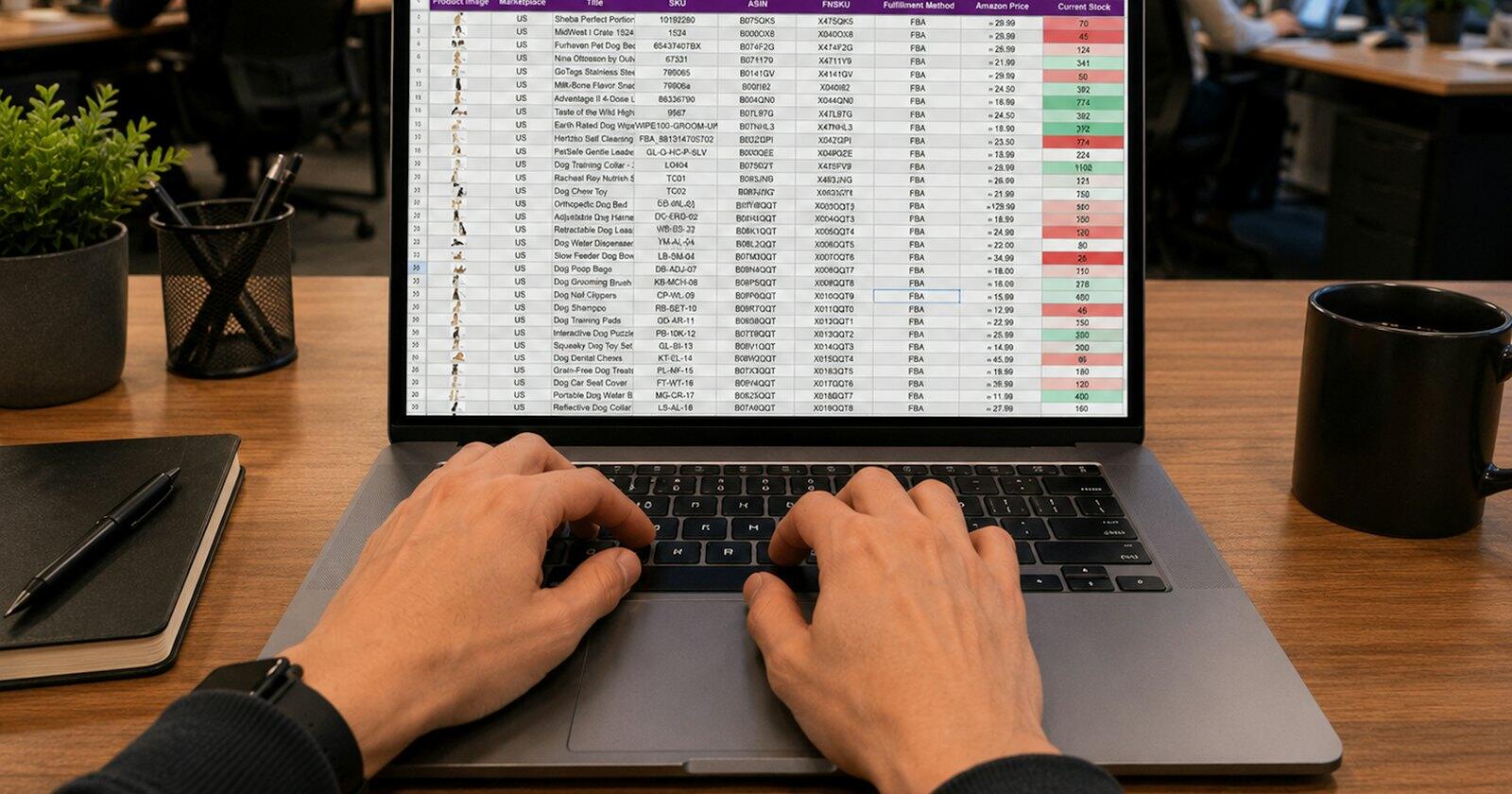
Plenty of small businesses run their bookings from a spreadsheet, and it's possible to send texts from Google Sheets without buying an add-on or moving the bookings anywhere. Apps Script, the JavaScript platform built into Google Workspace, can call an SMS API directly, run on a timer, and write the result back into the sheet. This post builds the usual case: a sheet of tomorrow's appointments, and a script that sends each person a reminder text at about four in the afternoon. CaptiFi Connect has no Sheets add-on, so everything here uses Google's own documented services and our REST API, and everything about Apps Script comes from Google's developer documentation as it read on 4 November 2026.
The sheet
Keep one row per appointment, with a column of your own ids. Row numbers move when somebody sorts the sheet, and the script needs something that doesn't, because the id ends up in the idempotency key further down. A layout like this is enough (the numbers are from Ofcom's range for drama, so nobody real gets texted while you test):
| Booking id | Name | Mobile | Appointment | Message id | Status |
|---|---|---|---|---|---|
| B1041 | Priya | 07700 900141 | 05/11/2026 10:30 | ||
| B1042 | Tom | 07700 900142 | 05/11/2026 11:15 |
The script reads the rows, picks those with an appointment tomorrow and no message id yet, sends each a text, and writes the id we return into the Message id column. A second job later fills in Status. Numbers can stay as people typed them, since our API takes any common UK format and tells you about the ones it can't text.
Keep the key in Script Properties
The script needs an API key, and the key spends your credit, so it shouldn't sit in the code. Apps Script's Properties service is the place for it. Google lists three stores, and Script Properties are the ones "All users of a script, add-on, or web app" can read. You can add up to fifty of them by hand on the project settings page, "as strings in key-value pairs", so create one called something like CAPTIFI_CONNECT_KEY and read it with PropertiesService.getScriptProperties().getProperty() at run time.
That keeps the key out of the code. It doesn't keep it from everyone, and the reason is how bound scripts work. A script you create from a spreadsheet through Extensions, Apps Script is bound to that file, and Google says "Collaborators who have edit access to a container can view, edit, and run its bound script", while those with view access "can view and run the bound script". So a key stored in a sheet's script is effectively shared with everyone who can edit the sheet. Three sensible responses: keep the editor list short, give this script its own key so it can be revoked on its own, or put the script in a standalone project that only you own and open the sheet by its id. Our post on keeping API keys safe covers rotation and what to do if one leaks.
Build it with a test key first. Keys starting cc_test_ go through the same checks and return the same responses, but nothing reaches a phone and nothing is charged, which is what you want while the script is still sending everyone tomorrow's reminder six times an hour.
Sending one text with UrlFetchApp
The call is UrlFetchApp.fetch(url, params), where the URL is https://captificonnect.co.uk/api/v1/messages and params is an object of options. Google's defaults are the wrong ones for a JSON API: the method defaults to get and the content type to application/x-www-form-urlencoded, and a JavaScript object passed as the payload "is interpreted as a map of form field names to values". So set every one of these yourself.
| Option | Value |
|---|---|
| method | post |
| contentType | application/json |
| headers | Authorization (Bearer and the key) and Idempotency-Key |
| payload | JSON.stringify of to, body and client_ref |
| muteHttpExceptions | true |
The last one matters more than it looks. By default, fetch throws an exception when the status "indicates failure", which would stop the whole run on the first refused number and leave every later row unsent. With muteHttpExceptions set to true you get the response back instead, can read its status code, and can decide row by row. The first time the script runs, Google asks you to approve the script.external_request scope, which is the permission to call outside URLs.
For the text itself, merge the name and time into a short reminder. For a physio practice called Ashdown Physio, say:
Ashdown Physio: reminder of your appointment tomorrow, Thu 5 Nov at 10:30. Reply C if you need to cancel.
That's a service message, and it's under 160 characters, so it costs one credit. A reply only works if the text comes from a number, so leave sender out of the payload if you want those Cs back (they'll land in the two-way inbox). Our appointment reminders page has more wording.
Writing back, and why the key is built from the row
A good send answers 201 with the text's id at data.messages[0].id. Write it into the Message id column straight away, row by row, before moving on to the next. That column is how the next run knows to skip the row.
There's a gap, though, and Apps Script makes it likely. Google limits each execution to "6 min / execution", so a long sheet or a slow afternoon can stop the script between our 201 and the line that writes the id. The text went, the sheet doesn't know, and tomorrow's run would send it again. The Idempotency-Key header closes that gap. Build it from the booking id and the date of the appointment (B1041-2026-11-05 reminder, for example) and a resend of the same row returns the first answer, with meta.replayed set to true and nothing charged or sent. Don't use the row number, and don't use the time. Our post on sending a text exactly once goes through why.
Handle the other answers by status. A 402 means the balance has run out and nothing was sent, so stop the loop and email yourself. A 429 means you've hit the rate limit; wait the number of seconds in Retry-After (Utilities.sleep takes milliseconds) and try the same row again with the same key. A number we can't text, such as a landline, comes back in data.rejected with a reason like not_mobile, uncharged; write the reason into Status so a person can fix the number.
Running it every afternoon
An installable time-driven trigger runs the function on a schedule, and Google says these can run "as frequently as every minute or as infrequently as once per month". Make one with ScriptApp.newTrigger, .timeBased(), .everyDays(1) and .atHour(16), or add it from the Triggers page in the editor.
The time is approximate: "The time might be slightly randomized", and for a daily trigger set at 9 AM Apps Script "chooses a time between 9 AM and 10 AM" and keeps it from then on. If you set a minute with nearMinute, it runs "plus or minus 15 minutes". Times are in the script's time zone by default, so set the project to Europe/London and the clocks going back won't move your reminders by an hour. And "Installable triggers always run under the account of the person who created them", so when that person leaves and their account goes, the reminders stop without anyone noticing. Create the trigger from a shared business account if you have one.
When a run fails, Apps Script emails a "Summary of failures for Apps Script" with a link to the trigger, and the Executions panel in the editor shows the log. Wrap the work in a script lock too. LockService.getScriptLock() "prevents any user from concurrently running a section of code", which stops a manual run and the trigger working through the same rows at the same moment.
Quotas, and what they mean for a reminder sheet
Apps Script has daily quotas per user, and they "reset 24 hours after the first request". The two that affect this script are URL Fetch calls and the total time triggers can run.
- Consumer account
- Google Workspace
Per user, per day, reset 24 hours after the first request. Consumer means a personal gmail.com account. Read 4 November 2026.
Source: Google for Developers, Quotas for Google services
See the figures as a table
| Consumer account | Google Workspace | |
|---|---|---|
| URL Fetch calls | 20,000 | 100,000 |
| Properties reads and writes | 50,000 | 500,000 |
On a personal Gmail account the limits are 20,000 URL Fetch calls a day and 90 minutes of trigger runtime; on Workspace, 100,000 calls and 6 hours. A reminder sheet uses one call per text and one per status check, so a practice texting 80 people a day is nowhere near either. The per-execution cap of 6 minutes is the one you'll meet first. If the sheet grows past what one run can send, process it in chunks: send a few hundred rows, stop, and let the next trigger pick up the rest (the Message id column makes that safe). When a quota does run out, the script "throws an exception and execution stops".
UrlFetchApp.fetchAll can send several requests at once, which is tempting for speed. Keep the batches modest if you use it. Each API key can make 20 requests a second, with bursts up to 40, and a 429 for one request in the middle of a batch is fiddlier to retry than a 429 in a simple loop.
Getting delivery status back into the sheet
Our webhooks are the usual way to hear what happened to a text. Apps Script can publish a web app with a doPost function to receive them, but the event object Google documents for doPost lists the query string, parameters and postData (its length, type, contents and name), and no request headers. Our signature travels in a header, so a script can't check that an event really came from us, and an unchecked endpoint that writes to your bookings is an endpoint anyone could post to.
Polling is simpler here, and fine at this size. Add a second trigger, an hour after the first, that walks the rows with a message id and an empty Status and calls GET /messages/{id} for each. The answer carries status (delivered, undelivered, failed and so on) and an events timeline. Write the status in, and stop asking once it's final. If you also set client_ref to the booking id on each send, GET /messages can find a booking's texts by that reference, which helps when a row's message id gets wiped by accident. The quickstart shows both requests, and delivery reports explains what each status means.
Common questions
Can Google Sheets send text messages on its own?
No. Sheets has no texting feature, but Apps Script, which is built into Sheets, can call an SMS API with UrlFetchApp. A script reads the rows, sends a request for each text, and writes the result back into the sheet.
How many texts can Apps Script send in a day?
The limit is on URL Fetch calls: 20,000 a day on a personal Gmail account and 100,000 on Google Workspace, with each text one call. Each run of the script also stops after 6 minutes, so a big sheet should be sent in chunks across several runs.
Where should I put the API key in Apps Script?
In Script Properties, set from the project settings page and read with PropertiesService, so it isn't in the code. Bear in mind that editors of the spreadsheet can open its bound script, so give that script its own key and keep the editor list short.
Why did my Apps Script trigger run late?
Google randomises time-driven triggers a little. A daily trigger set for an hour runs at some point within that hour, and one set near a minute runs within 15 minutes either side of it. Allow for that when you choose the hour.
Sources
Read for this post on 4 November 2026.
- Google for Developers: Quotas for Google services (Apps Script)
- Google for Developers: Class UrlFetchApp
- Google for Developers: Installable triggers
- Google for Developers: Class ClockTriggerBuilder
- Google for Developers: Properties service
- Google for Developers: Container-bound scripts
- Google for Developers: Class LockService
- Google for Developers: Web apps
- CaptiFi Connect: Quickstart
Written by the CaptiFi Connect team. Published 4 November 2026. More in Behind the scenes
Send your first text this week
Set up your account and contacts now. Until we've approved it, a person reads each text before it goes out.