
Behind the scenes8 min read
Keeping API keys safe: leaks, rotation and test keys
GitHub found over 39 million leaked secrets in 2024. Where API keys leak, what OWASP and the NCSC advise, where test keys fit, and what to do when a key leaks.
In short
- GitHub says developers used its secret scanning to detect more than 39 million secret leaks across GitHub in 2024.
- GitHub found over 1 million leaked secrets in public repositories in the first eight weeks of 2024, which it described as more than a dozen accidental leaks every minute.
- NCSC's guidance on securing HTTP-based APIs, published in April 2025, warns that secrets checked into version control may be hard to remove fully and that attackers scan public repositories for them.
- OWASP's Secrets Management Cheat Sheet sets out the response to an exposed key in order: revoke it immediately, create and deploy a replacement, delete the old one from wherever it leaked, and keep the logs.
- DSIT's Cyber Security Breaches Survey 2025/2026 found 25% of UK businesses had a formal incident response plan, against 76% of large businesses.
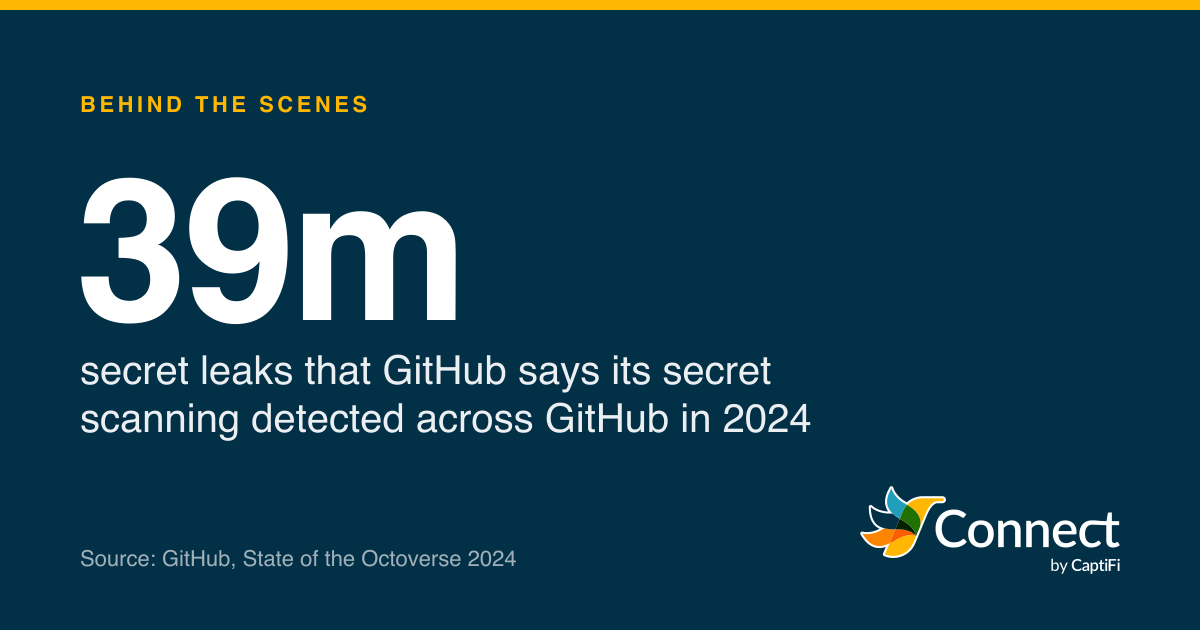
39m: secret leaks that GitHub says its secret scanning detected across GitHub in 2024. Source: GitHub, State of the Octoverse 2024.
GitHub says developers used its secret scanning to find more than 39 million leaked secrets across GitHub in 2024. That's the figure from its State of the Octoverse report, repeated in a GitHub post of 1 April 2025, and secrets here means API keys, tokens, passwords and the like, sitting in code where anyone with access can read them. Earlier, GitHub had counted over 1 million leaked secrets in public repositories in just the first eight weeks of 2024, "more than a dozen accidental leaks every minute".
An API key for a texting service is a password that works without a person. Whoever holds it can send texts on your account, in your name and on your credit, from anywhere. This post covers where keys leak, how to store and scope them, where test keys fit, and what to do in the hours after one gets out.
Why is an API key so easy to misuse?
Because it's a bearer credential: holding it is the whole test. The NCSC's guidance on securing HTTP-based APIs, published on 3 April 2025, describes API keys as "placed in a http header" and "shared bearer tokens", and says they "can be easily compromised, often due to poor secrets management". The IETF's standard for bearer tokens, RFC 6750, makes the same point as a rule for software that uses them: "Client implementations MUST ensure that bearer tokens are not leaked to unintended parties, as they will be able to use them to gain access to protected resources."
There's no second factor on an API call and no person to notice something odd, so anywhere the key has been written down is somewhere it can be taken from. (Our glossary entry on API keys covers the basics.)
Where do API keys leak?
In code and its history. The NCSC tells developers to "avoid hard-coding credentials directly into source code that is stored in version control", and gives two reasons: "Once checked into version control, secrets may be difficult to fully remove", and "attackers often scan public repositories to find such credentials". GitHub's April 2025 post adds that "developers also often underestimate the risk of private exposures". A private repository is one setting away from a public one, and every clone of it is another copy of the key.
Outside the code. GitHub said in August 2024 that it had found "over 100k unique secrets hiding in mediums outside of code" that year: issues, wikis, discussions and pull request comments. That's the key pasted into a ticket to show a colleague the error, or into a chat thread, or an email to a contractor.
In anything that runs in a browser or an app. A key shipped in front-end JavaScript or bundled into a mobile app is readable by anyone who looks, so it belongs on your server, with the browser asking your server to send the text.
In URLs and logs. RFC 6750 says bearer tokens "SHOULD NOT be passed in page URLs (for example, as query string parameters)", because "browsers, web servers, and other software may not adequately secure URLs in the browser history, web server logs, and other data structures". OWASP's Secrets Management Cheat Sheet says secrets should "never be logged", with masking or encryption in place so they can't end up in plain text.
In the build. OWASP warns that secrets "should never be hardcoded using docker ENV or docker ARG commands, as these can easily leak with the container definitions". Environment variables are a step up from code, but the same cheat sheet notes they "are generally accessible to all processes and may be included in logs or system dumps".
How should you store and scope keys?
Keep keys out of code entirely, and keep them in as few places as possible. The NCSC suggests "a secrets manager (with a secure storage backend like a HSM or cloud KMS)", and warns about the alternative: secrets "stored in multiple places which makes auditing difficult (a problem that's known as 'secrets sprawl')". Its older guidance on protecting code repositories says the same in principle, "logically separating secret credentials from source code", with "key rotation and automatic scanning of your code repositories for secret keys" on top.
Then give each system its own key. A booking system, a reminder script and a staging server should never share one, because when one leaks you want to revoke that key without breaking the other two. It's the least privilege principle OWASP applies to people as well: "engineers should not have access to all secrets in the secrets management system". Fewer people who can see a live key means fewer places it can leak from.
Use test keys wherever a real text isn't needed. Development machines, automated tests and CI pipelines are where keys get copied, printed and committed, so a key that can't send a real text or spend money is the right one to have there. Our test keys documentation explains what one does in CaptiFi Connect.
Rotate on a schedule, and whenever someone who could see a key leaves. OWASP's reasoning is simple: "You should regularly rotate secrets so that any stolen credentials will only work for a short time." The NCSC wants rotation "automated with no human involvement" where possible, which is easier when each system reads its key from a secrets manager at start-up.
And let a scanner watch for mistakes. GitHub's secret scanning "scans your entire Git history on all branches" and runs "automatically for free" on public repositories. Since February 2024 GitHub has "enabled secret scanning push protection by default for all pushes to public repositories", which blocks a push when it recognises a secret (you can override it, which is worth discouraging). OWASP recommends catching secrets earlier still, "via pre-commit hook" or in the developer's editor. For providers in GitHub's partner programme there's a second net: "When a partner secret is detected, we notify the provider so they can take action, such as revoking the credential." Don't count on your provider being in it. Scanning helps most when it stops the commit, before there's anything to clean up.
What does a sensible set-up look like?
Say a garage in Swindon texts MOT reminders from its booking system, sends "your car is ready" texts from a small script on the workshop PC, and has a developer who looks after both. A tidy arrangement has three keys, each named after its one job:
- A live key for the booking system, entered once in its settings screen by the owner and never emailed anywhere.
- A second live key for the workshop script, read from a secrets store or, at the least, an environment variable on that one machine, never written into the script itself.
- A test key for the developer's laptop and the test suite, which can do everything except send a real text or spend credit.
When the developer's contract ends, the test key goes and the live keys are rotated, because the developer could see both. When the workshop PC is replaced, its key is revoked with the old machine. None of that touches the booking system, which is the point of separate keys.
How would you know a key was being misused?
The NCSC puts the risk plainly: "Attackers who gain access to these keys can misuse your API resources until the keys are rotated or revoked." Nothing announces a stolen key, so you look for its effects. Texts in the history that no system of yours would send. A key used at three in the morning when the only system that holds it runs office hours. Credit going faster than the business explains. A burst of failed texts to numbers you've never dealt with. None of these needs special tools, only someone who glances at the dashboard now and then and knows what normal looks like.
What should you do when a key leaks?
Revoke it first. OWASP's remediation steps are in a deliberate order:
| Step | OWASP's wording | In practice |
|---|---|---|
| Revoke | "Keys that were exposed should undergo immediate revocation." | Revoke in the provider's dashboard before anything else |
| Rotate | "A new secret must be able to be quickly created and implemented" | Create a new key and deploy it to the one system that used the old one |
| Delete | Remove revoked secrets "from the exposed system immediately, including secrets discovered in code or logs" | Clean the repository, ticket or log, knowing copies may survive |
| Log | Responders "must have access to information about the lifecycle of a secret" | Record when it leaked, when it was revoked and what it was used for |
Deleting the commit isn't the fix, because of the NCSC's point that secrets in version control "may be difficult to fully remove": forks, clones and caches keep their copies. Revocation is the only step that makes the leaked copy worthless, which is why it comes first, and why the replacement process needs to be quick enough that nobody hesitates to revoke.
Then look at what the key did while it was loose. For a texting key that means the message history for texts you don't recognise, the balance for credit you didn't spend, and any settings changed. Our post on SMS pumping describes the fraud that turns texts into someone else's revenue, and it's the first thing to rule out.
Most businesses haven't written any of this down in advance. DSIT's Cyber Security Breaches Survey 2025/2026, published on 30 April 2026, found 25% of businesses had a formal incident response plan and 34% had written guidance on who to notify. Among large businesses 76% had a plan; among micro businesses, 21%.
- Businesses
- Charities
Fieldwork August to December 2025; bases 2,112 businesses and 1,085 charities. A formal plan was held by 21% of micro, 57% of medium and 76% of large businesses.
Source: DSIT, Cyber Security Breaches Survey 2025/2026 (figure 5.2)
See the figures as a table
| Businesses (%) | Charities (%) | |
|---|---|---|
| Named roles for an incident | 39 | 31 |
| Written guidance on who to tell | 34 | 28 |
| When to report externally | 32 | 30 |
| Formal incident response plan | 25 | 19 |
| External communications plan | 16 | 14 |
For a leaked key, a short note somewhere the team can find it is enough: who can revoke keys, where each key is used, how to deploy a new one, and who to tell.
In CaptiFi Connect, only owners and admins can create or revoke API keys, under Developers, and each key is named after where it will be used. A key is shown once and stored only as a hash, the list shows each key's prefix and when it was last used, and revoking a key stops it at once. Test keys start cc_test_ and can't send a real text or spend credit, and live keys only send to UK mobiles, so a stolen key can't be used to text numbers abroad. The "last used" column is worth a glance now and then: a key that says "never" can be revoked today, and one used yesterday by a system you thought was switched off is worth a closer look.
Sources
Read for this post on 22 October 2026.
- GitHub: State of the Octoverse 2024
- GitHub: GitHub found 39M secret leaks in 2024, 1 April 2025
- GitHub: Keeping secrets out of public repositories, 29 February 2024
- GitHub changelog: Secret scanning for non-code surfaces, 16 August 2024
- GitHub Docs: About secret scanning
- OWASP: Secrets Management Cheat Sheet
- NCSC: Securing HTTP-based APIs, authentication and authorisation, April 2025
- NCSC: Secure development and deployment, protect your code repository
- IETF: RFC 6750, OAuth 2.0 Bearer Token Usage
- DSIT: Cyber Security Breaches Survey 2025/2026
Written by the CaptiFi Connect team. Published 22 October 2026. More in Behind the scenes
Send your first text this week
Set up your account and contacts now. Until we've approved it, a person reads each text before it goes out.