
Sectors9 min read
Restaurant waitlist texts: your table is ready
How restaurant waitlist texts work at the door: taking the number, the "your table is ready" text, replies, how long to hold, and the ICO rules on that number.
In short
- UK households spent an average of £17.80 a week on restaurant and café meals in the year to March 2025, about £511 million a week in all, according to the ONS Living Costs and Food Survey.
- ONS counted 125,660 sites in the UK classed as restaurants and mobile food service in its 2026 business register tables, and 58,380 of them had fewer than five people working there.
- The ICO says a message sent for administrative or customer service purposes is a service message, but if it has elements that are direct marketing it counts as marketing even when that is not the main purpose.
- The ICO's storage limitation guidance says organisations must not keep personal data for longer than they need it, and should erase or anonymise it once it is no longer needed.
- On CaptiFi Connect a reply of STOP, CANCEL, END or QUIT as the whole message puts the number on the opt-out list, so a waitlist text should ask for a different word, such as NO.
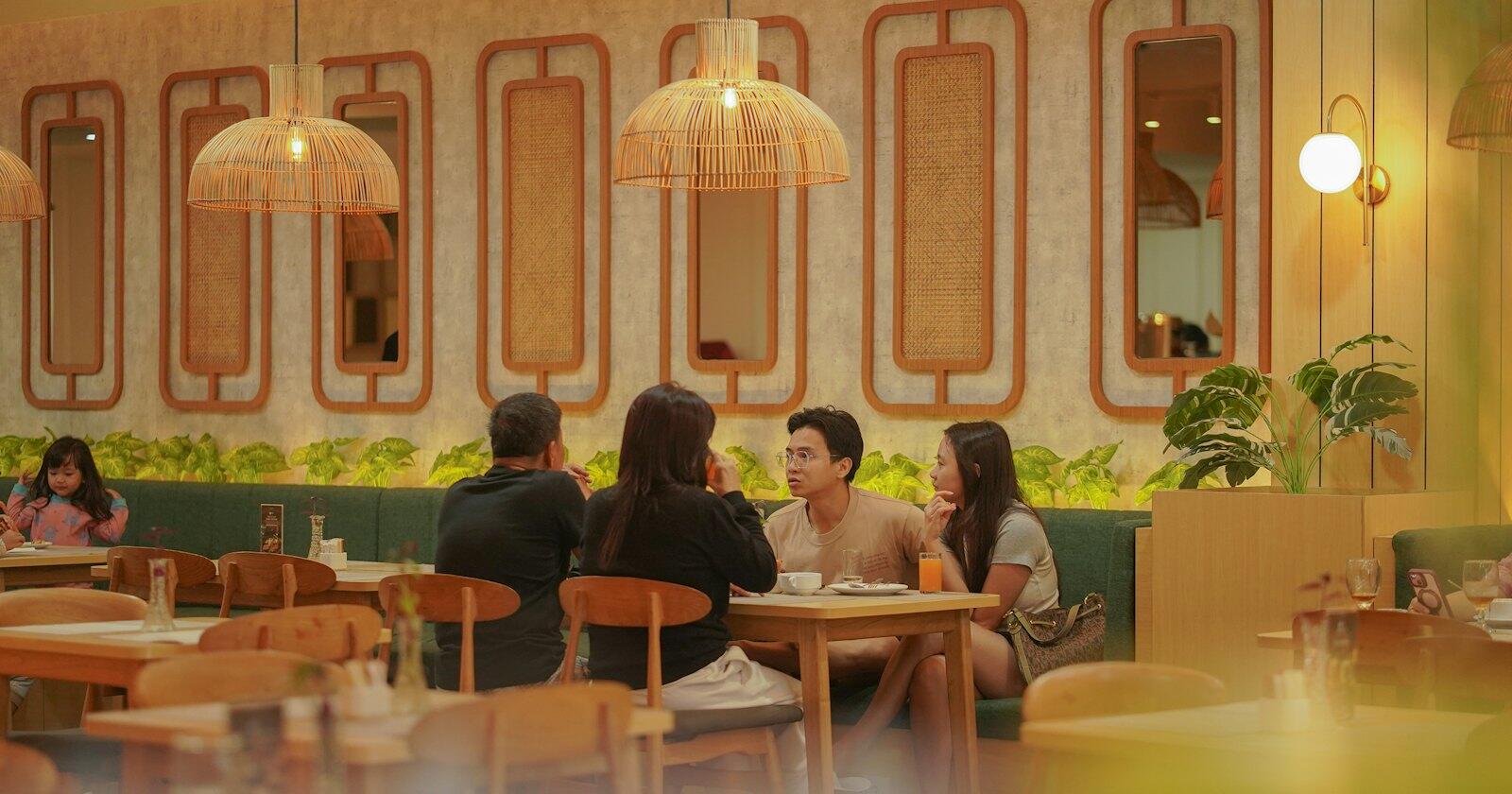
Friday, quarter past seven, and there are six people standing by the door with their coats on. The host has a clipboard, a pencil and a rough idea of when table nine will clear. Restaurant waitlist texts swap the clipboard queue for a phone number: the guest gives it at the door, wanders off to the pub across the road, and gets a "your table is ready" text when there's a seat. The host stops shouting names over the music, and the people at the back of the queue can at least sit down somewhere.
It's a small job for a text, and most of what can go wrong with it is in the detail: what the first message says, how long you hold a table, which reply words you ask for, and what you do with all those numbers at the end of the night. For texts around booked tables (confirmations, reminders and the no-show problem) there's a separate post on restaurant no-shows and booking texts.
How much people spend eating out
The Office for National Statistics measures household spending through its Living Costs and Food Survey, and the latest results cover April 2024 to March 2025. The average UK household spent £17.80 a week on restaurant and café meals, which comes to about £511 million a week across the country. On top of that went £6.70 on drinks bought away from home, £4.70 on takeaways eaten at home and £4.20 on other takeaway and snack food. Of the 5,000 households in the survey sample, 2,940 recorded some spending on restaurant and café meals.
The wider category, restaurants and hotels together, came to £49.20 a week. That was a rise of £2.80, or 6%, on the year before after allowing for inflation, which the ONS bulletin lists among the largest increases of the year.
Financial years, April to March, at the prices of each year (not adjusted for inflation). The category covers restaurant and café meals, drinks out, takeaways, canteens and accommodation. ONS changed its survey weighting from 2022 to 2023 and again from 2023 to 2024.
Source: ONS, Family spending workbook 1, table 4.3 (current prices)
See the figures as a table
| £ a week (£) | |
|---|---|
| 2014/15 | 42.5 |
| 2015/16 | 45.1 |
| 2016/17 | 50.1 |
| 2017/18 | 50.3 |
| 2018/19 | 51.4 |
| 2019/20 | 52.9 |
| 2020/21 | 18.3 |
| 2021/22 | 34.8 |
| 2022/23 | 40.5 |
| 2023/24 | 44.4 |
| 2024/25 | 49.2 |
The longer run is less cheerful. In cash terms, households were spending £52.90 a week on restaurants and hotels in the year to March 2020, and the figure fell to £18.30 in the first pandemic year. It has climbed back every year since but, five years on, the 2024 to 2025 figure was still below the 2019 to 2020 one, without any adjustment for prices at all. Fewer meals out, or cheaper ones, means every cover counts for a bit more, and a walk-in who gives up and goes elsewhere is money that walked out of the door.
There are a lot of places competing for them. The ONS business register tables for 2026 count 125,660 sites in the UK classed as restaurants and mobile food service (the class also takes in cafés, takeaways and food vans), and 58,380 of those had fewer than five people working there. In a place that size the person taking names is usually also running food, so a queue that looks after itself is worth having.
How a text waitlist works
The routine at the door is short. Take a first name, the party size and a mobile number, give an honest estimate, and send the first text there and then. Sending it straight away proves the number is right while the guest is still standing in front of you, and it tells them the next message will come from the same place.
Then, when the table's laid, the host sends the table-ready text and starts a clock. How long to hold is your call (ten minutes is common, and a busy Saturday might want less), but say it in the text so the guest knows. If they reply, you know they're coming. If they don't and the time's up, the next party gets the table and the first one gets a short, polite note.
It helps to quote waits a little long, because a table that's ready early is a pleasant surprise and one that's late gets a "how much longer?" reply. Keep the paper list going too, for anyone without a phone on them or with a flat battery.
Writing the table-ready text
Here's the set for a fictional bistro called Hartley's. Every message starts with the name, because a text from an unknown mobile number with no name on it reads like a wrong number at best.
When the guest joins the list:
Hartley's: you're on the list for a table for 4, about 25 minutes. We'll text you here when it's ready. Reply NO if your plans change.
When the table's ready:
Hartley's: your table for 4 is ready. Please come to the front desk within 10 minutes and we'll seat you. Reply YES if you're on your way.
If the wait runs over the estimate (send this before they ask):
Hartley's: sorry, it's taking longer than we said. About 15 more minutes for your table for 4. Reply NO if you'd rather not wait.
And if the hold runs out:
Hartley's: we couldn't hold your table any longer, sorry. If you're still nearby, come to the desk and we'll put you straight back on the list.
All four fit in a single text (160 characters of the standard set), so each costs one credit. They use the party size and nothing else from the booking, which helps if two groups called Sam are waiting at once.
The reply words need a bit of thought. On CaptiFi Connect, a reply of STOP, CANCEL, END, QUIT, UNSUBSCRIBE or OPT OUT as the whole message puts the number on your opt-out list, and later texts to it are refused. That's the law working as it should, but it means a waitlist text that says "Reply CANCEL to leave the queue" turns every guest who leaves into an opt-out. Ask for NO instead, which is short and hard to get wrong. Our post on designing texts people answer goes further into reply words.
Replies, holds and no-shows from the queue
A reply only works if there's a number to reply to. A text sent under a sender name (your restaurant's name in place of a number) can't be answered, so waitlist texts should go from a real UK mobile number. On CaptiFi Connect that's what happens when you send one to one without a sender name, and the reply lands in the two-way inbox, threaded under the guest's number. Receiving replies costs nothing.
You can let YES and NO answer themselves with keywords. A YES keyword could reply "Thanks, see you in a minute", and a NO keyword "No problem, we've taken you off the list". One thing to watch: a keyword's reply goes to everyone who texts that word, so if YES already confirms your bookings ("Thanks, see you Thursday"), give it a wording that works for both, or ask waitlist guests for a different word such as HERE. On a shared number, keywords work for people you've texted in the last 30 days, which covers anyone on tonight's list.
Each text also gets a delivery report. If the table-ready text shows as failed, the host knows to call the name across the room before giving the table away, which is fairer than assuming the guest gave up.
The number you took at the door
A table-ready text is a service message. The ICO's guidance on identifying direct marketing describes messages that "aren't promotional but are for administrative or customer services purposes", and texts in that group don't need marketing consent. The same guidance gives the catch: "If your service message has elements that are direct marketing, even if that is not the main purpose of your message, then it will count as direct marketing." So "your table is ready" is fine, and "your table is ready, and don't forget our two-for-one cocktails" is a marketing text to someone who never agreed to one. Keep the promotions out of it. Our glossary entry on service messages has more examples.
The lawful basis for using the number at all is fairly comfortable. The ICO's guidance on the contract basis covers processing when someone has "asked you to do something before entering into a contract", and says this holds even if the person doesn't go on to enter into a contract. A guest who asks to be texted when a table's free has done exactly that, whether or not they end up eating. The same page says the processing must be necessary, and not necessary "if you could reasonably do what they want by processing less data". A first name, a party size and a mobile number do the job. Surnames, email addresses and dates of birth don't belong on a waitlist.
Then there's what happens after service. The ICO's storage limitation guidance is plain: "You must not keep personal data for longer than you need it", and you should "periodically review the data you hold, and erase or anonymise it when you no longer need it". A waitlist number has done its job once the guest is seated or has gone home. Set a retention period (end of the night, or a few days if you want to sort out a complaint) and stick to it. If you'd like to text walk-ins about offers later, ask them properly at the table, record the yes, and keep that list separate from the queue.
Setting it up
Small places can do the whole thing from a phone or a laptop at the host stand. Save the four messages as templates in CaptiFi Connect, start each text from one on the Send SMS page, type the guest's number, change the party size or the minutes, and send. It takes a few seconds once the host has done it twice.
Waitlist apps and booking systems can call the SMS API instead. A POST /messages with the guest's number in to and the text in body sends it, and the waitlist entry's id in client_ref ties the message back to the right party. Put an Idempotency-Key header on the table-ready call, built from the entry id, so a host who taps "notify" twice in a rush doesn't send two texts. Replies come back as message.received webhooks, matched to the party by phone number, and a message.failed event can flag the entry on the host's screen.
Campaign quiet hours (21:00 to 09:00 London time by default) don't hold up texts sent one at a time, so a table-ready text at half nine goes straight out.
Common questions
Can I text walk-in customers when their table is ready?
Yes. A text telling someone their table is ready is a service message under the ICO's guidance, so it doesn't need marketing consent. Tell the guest you'll text them at that number, keep the message to the table, and leave offers out.
How long should a restaurant hold a table after texting?
There's no rule, so it's up to the restaurant. Ten minutes is a common choice. Whatever you pick, put it in the table-ready text so the guest knows the deadline, and send a short note if the hold runs out.
Can customers reply to a waitlist text?
They can if it comes from a real mobile number. Texts sent under a business name can't be answered, so send waitlist texts from a number and ask for one-word replies such as YES or NO. Avoid CANCEL and STOP, which opt the guest out of all your texts.
Can I add waitlist numbers to my marketing list?
Not on the strength of the waitlist alone. The number was given so you could tell the guest about a table, and a promotion is a different purpose that needs its own consent. Ask separately, record who agreed, and delete waitlist numbers you no longer need.
Sources
Read for this post on 4 November 2026.
- ONS: Family spending in the UK, April 2024 to March 2025, released 11 June 2026
- ONS: Family spending workbook 1, detailed expenditure and trends (tables A1, 4.1 and 4.3)
- ONS: UK business, activity, size and location, 2026 (table 19)
- ICO: direct marketing guidance, identifying direct marketing
- ICO: a guide to lawful basis, contract
- ICO: a guide to the data protection principles, storage limitation
Written by the CaptiFi Connect team. Published 4 November 2026. More in Sectors
Send your first text this week
Set up your account and contacts now. Until we've approved it, a person reads each text before it goes out.